

10 Common Mobile App Testing Challenges from a Tester’s Perspective
When we talk about the lifecycle of a mobile app, the focus is usually on the app build, sign and distribution processes and mobile app testing tends to be overlooked. However, for the end user, it is all about the quality. They do not care about the 20% savings with CI/CD and they just check how smoothly the app works on their devices.
For this reason, mobile app testing is as important as having a proper mobile CI/CD pipeline in place and actually mobile CI/CD also helps improving the mobile app testing processes.
In this article, we look at the common challenges in mobile app testing from a tester’s perspective. (We will not bore you with the already well-known facts on how much the mobile world is fragmented with different devices, but list the real challenges.)
10 Common Mobile App Testing Challenges from a Tester’s Perspective
1. Lack of Version-Specific Testing Scope
When the release delivery is done manually, after new releases, the testers are not sufficiently informed about what the changes are in the release. This causes testing to be done blindly with limited information about the scope.
With automated CI/CD, the release is automatically matched with a specific commit, enabling testers to see exactly which branch and which commit they are testing so that the testing scope is much clear and to the point (e.g. if they are testing a bug fix or a feature release).
2. Inadequate insight for root cause analysis
Another issue caused by the loss of information in the manual handoffs is the erroneous root cause analysis. Not knowing exactly what is changed, testers tend to associate any new bugs with the application release, but there are many cases where there is no change in a specific functionality and the backend is causing trouble.
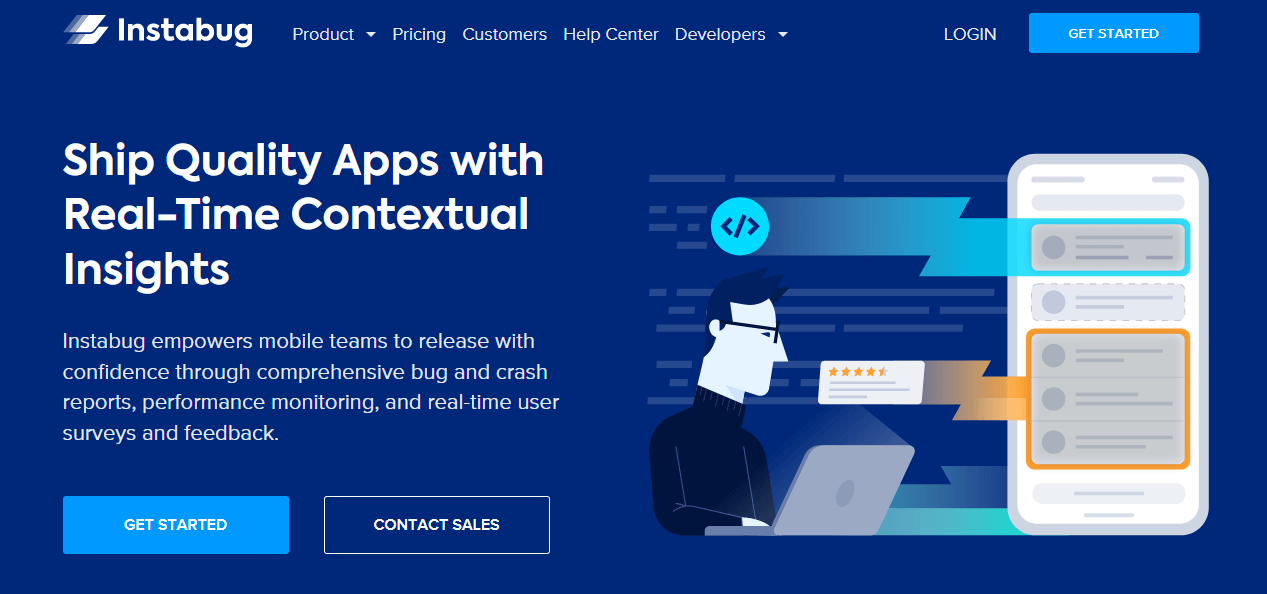
With more information provided in the releases provided by automated CI/CD and by utilizing mobile app performance suites like Instabug, which provide real-time insights on all aspects of a mobile app to empower mobile teams along with the feedback tools that significantly improves the testing process, the impact and root cause analyses are done in a much better-informed manner, reducing the time required to resolve issues.
3. Disorganized or limited access to the previous versions
In certain issues, direct access to the previous releases may be required for proper root cause analysis. In manual deliveries, the download links may easily be lost among emails and chats or the files may be being hosted in an unorderly way, making it difficult to access the release history and access a specific past version.
With CD tools like the Appcircle Distribution module, full version history of the deliveries is stored in a fully organized manner. You can access all versions of all apps for both operating systems along with the information about the testers of each version.
4. Limited testing device pool
Due to the increasing mobile device fragmentation from all fronts such as form factors and OS versions, the testing device pool for the testers are never sufficient. This issue is augmented further when the user acceptance testing requires a larger business audience which usually have even more limited variety of testing devices.
Appcircle in-browser device simulators and emulators alleviate this issue by providing one-click access to a wide range of iOS and Android devices in different form factors and OS versions. Testers can now conduct their testing on very specific device combinations for all past and current versions of the apps and these specific device setups can also be shared with relevant business testers with a single link.
5. Challenges in setting up build environments for the beta versions
To have apps day-one compatibility with the golden master (GM) versions of new major iOS and Android releases, it is required to build and test apps with the beta versions of Xcode and the Android SDK before the actual release.
Setting up a new build environment for this purpose is challenging without CI/CD since there is usually one production build environment only or the developers are using their own machines for the builds.
Appcircle provides a wide selection of build agents to get builds in any selected Xcode version or target Android SDK. You can easily select the Xcode beta for your iOS project or change your target SDK in your Android project to build your app in a specific beta configuration. You do not need to worry about environment switching. It is like having a separate build machine for every environment.
6. Limited visibility on issue tracking and tester tracking
Tracking is very important to avoid bottlenecks and repeated efforts and it is a two-sided thing with the developers and the testers. The testers struggle with the prioritization and the tracking of the issues they raise with the developers and the developers struggle to track if their releases are tested in a timely manner.
This issue can be solved by establishing a formal release process with the combination of an issue tracking tool and a CI/CD tool. With the issue tracking tool, the testers can log their findings in a formal way and with the CI/CD tool, the releases can be associated with the issues fixed in each release, while allowing developers to track if the testers have download the shared release.
7. Long release cycles
With the manual build and handoff process, the releases tend to be crammed towards the end of the current development period. The manual build, sign and distribution processes are time-consuming, so they are not prioritized until the last moment. For instance, in a sprint of three weeks, the testers wait idly for two and a half weeks then try to conduct testing day and night in a day or two. This inevitably increases the volume of errors missed during testing.
With a fully automated CI/CD tool like Appcircle, every new commit is automatically built and delivered to the testers just in time so that any change can be tested almost immediately with very short release cycles, increasing the productivity of the whole team.
8. High volume of coding errors
Certain issues encountered in release testing are actually simple coding errors that can be prevented before the build with code reviews or unit tests, but conducting these operations manually is a time-consuming task and usually deferred.
For this purpose, Appcircle has automated build workflows, where you can add custom steps like unit testing and code reviews and set actions like canceling the build or firing notifications if these steps fail. The issues can be detected and fixed before being released, saving significant amount of testing and bug fixing effort.
9. Time-consuming testing evidence capturing
When testing on mobile devices, capturing the evidence for reporting issues is a time-consuming process and chips away from the valuable testing time. (e.g. You need to take a screenshot on a testing device, which usually has no readily available means of sharing information as it is a publicly used device or an issue must be reproduced to be able to record the screen due to the length and file size limitations of the screen recorders in longer testing sessions.)
Appcircle in-browser mobile device previews make screen sharing and recording easier. Conveniently capture screenshots in the browser and share them instantly. All sessions can be automatically recorded and replayed on any other in-browser device emulator session. Capturing and sharing testing evidence with Appcircle is much faster than doing it on a physical device.
10. Manual deployment of the releases for the testing tools
Testers have two very powerful tools in their arsenal: testing automation and cloud device farms. However, it is challenging to receive a release compatible with these tools and deploy that release manually.
CD stands for not just “continuous delivery” but also for “continuous deployment”. Automated CI/CD tools like Appcircle enable automated deployment of suitable versions of the app to the testing solution providers, increasing tester productivity and enabling all releases to go through automated testing, not just the select ones.


Conclusion
Establishing an automated mobile CI/CD flow helps increase the overall productivity of the mobile app project team, including the testers. Appcircle helps QA teams stay ahead of mobile testing challenges by automating delivery, improving feedback loops, and simplifying tester workflows.
FAQs
1. What are some best practices for testing mobile applications?
Effective mobile testing requires more than just checking if an app opens. Best practices include:
Test early and continuously using CI/CD tools to automate the flow from commit to testing.
Use real devices and emulators to cover a range of OS versions, screen sizes, and performance conditions.
Enable version traceability so testers know exactly what changed and what to focus on.
Capture testing evidence efficiently using built-in tools for screenshots and recordings.
Ensure smooth collaboration between testers and developers with issue tracking and build status visibility.
2. What are the biggest challenges in mobile app testing today?
Mobile testing is full of unique challenges:
Lack of visibility into what changed between builds.
Device fragmentation, making it hard to cover all combinations.
Manual handoffs, which increase the risk of miscommunication and delays.
Difficulty accessing previous versions for root cause analysis.
Testing evidence capture that wastes time when done manually.
This blog dives deep into these pain points from a tester’s perspective.
3. How can CI/CD tools help with mobile testing?
CI/CD platforms like Appcircle streamline mobile testing by automating the build and delivery of every new version, ensuring that testers always have access to the latest app builds without manual coordination. These tools also integrate with performance monitoring and issue tracking systems, helping testers identify bugs, understand root causes, and track progress more effectively.

