
What’s New at Android 13 for Developers (Google I/O 2022)
On May 11th, Google I/O 2022 started with the Keynote speech. While Google announced many cool new features and devices for consumers, us developers were waiting for the Developer Keynote that started afterwards.
We’ve watched the developer keynote and what’s new videos. Here’s a comprehensive list of changes and additions to Android 13, Jetpack and Google Play.
What’s new in Jetpack
Jank Stats
Jank is when an app’s UI render performance stutters or gets delayed. This can be very annoying to users. That’s why Google provides stats for when, where and how jank occured in your apps. It can be used all the way down to API level 16.
Room
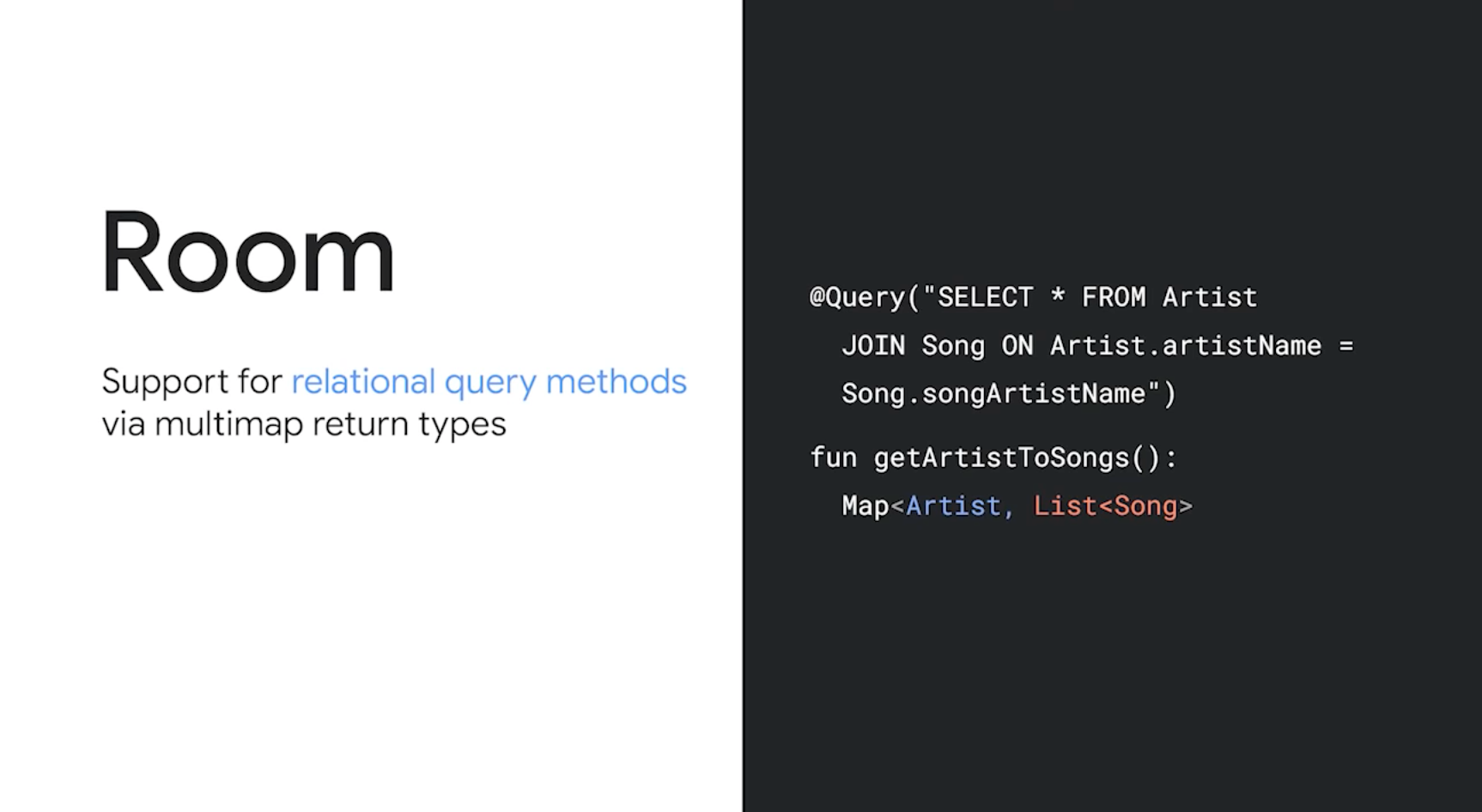
Database Persistance Layer Room is rewritten in Kotlin, but it’s still in its initial stages. It also has stable support for KSP (Kotlin Symbol Processing API).
You can now use Relational Query Methods in Room.
Paging
Google improved pagination systems in Jetpack. Now the Paging APIs have stable support for Rx and Guava.
Improvements to handling stale or invalid data are made and the api has more comprehensive callback methods.
Navigation
Google added integration between Navigation and Jetpack Compose, and now Jetpack has stable support for Multiple Back Stacks.
Since one of the key focus areas was for larger screens this year, navigation also has support for two pane layouts, that are generally used in tablets.
Similar to other libraries, all artifacts in Navigation are also rewritten in Kotlin.
Fragments
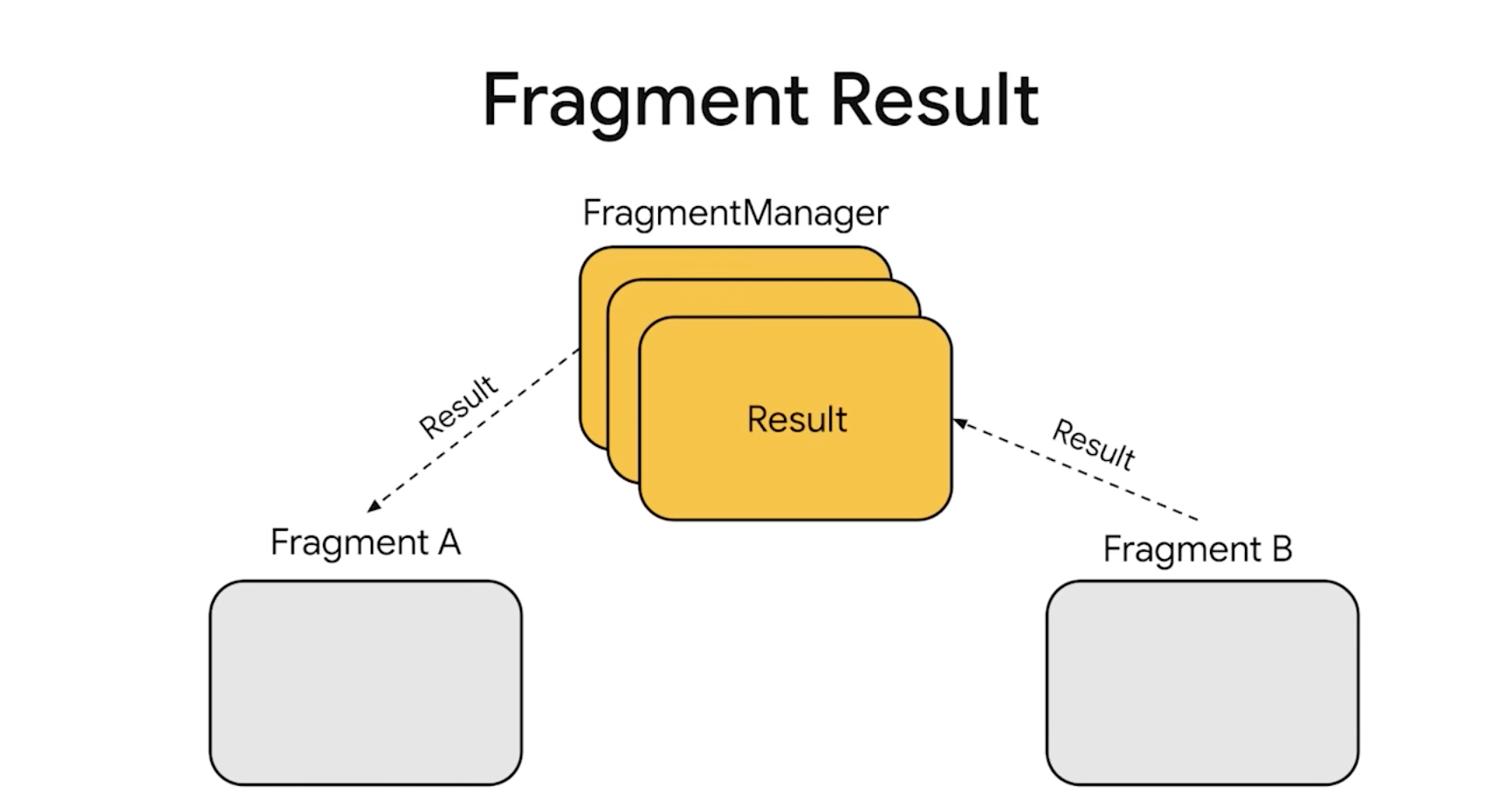
Fragments are not inside androidx.fragment, but instead have new separate classes for lifecycle management. Passing data between fragments are handled via Fragment Result API.
Watch Fragments: The Good (not-deprecated) Parts:
https://io.google/2022/program/c9085b18-4e8e-4183-b303-1d1716b0c070/
Compose
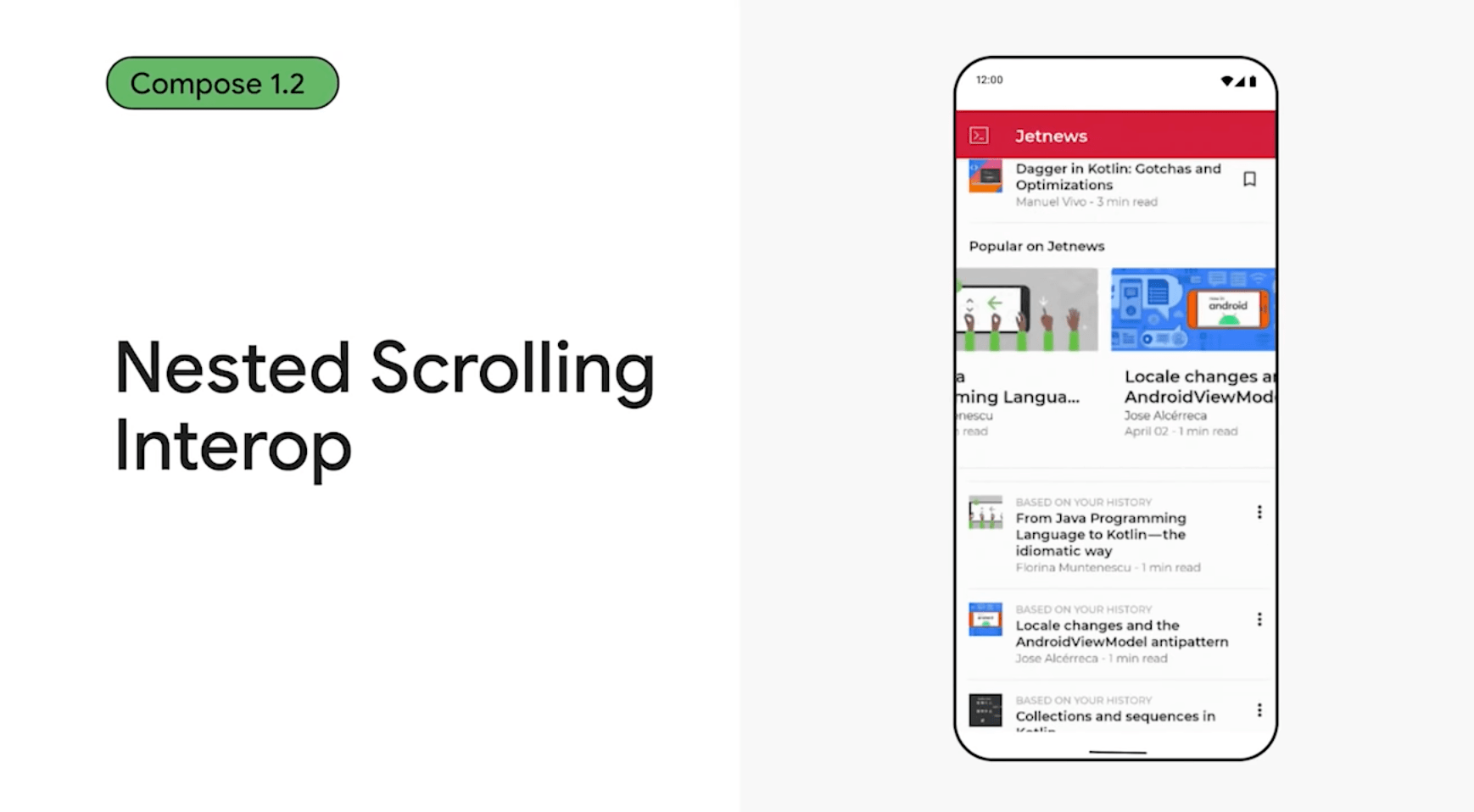
Compose 1.2 will add support for nested scrolling. A lot of apps have horizontal scrolling lists nested inside vertical scrolling lists, so this helps to create these layouts easier.
Custom Fonts can be downloaded in runtime for Jetpack Compose.
Lazy loading lists are also expanded to support more complex layouts.
Compose also supports large screens as well as other Android UI libraries.
To learn more, watch What’s New in Jetpack session here:
https://io.google/2022/program/c7710536-a86d-42a6-b43e-e69ae76dbb34/
What’s New in Android 13
New Notification Permissions
Notification permissions are reworked for Android 13. You now need to ask for a runtime permission to send notifications. All apps that will support Android 13 must use the new permissions to send notifications to their users.
Learn more about how to use the new permissions and tips, check out the official documentation: https://developer.android.com/about/versions/13/changes/notification-permission
Ability to Remove Permissions
Developers can now remove permissions that are stale and not used by themselves.
Privacy Sandbox
Google gives more effort into protecting user privacy. Privacy Sandbox is a new initiative to respect user’s privacy while refraining to hurt businesses that run with advertising.
Learn more about Privacy Sandbox here: https://developer.android.com/design-for-safety/privacy-sandbox
Photo Picker
There’s a new photo picker component which lets users to select the photos they want to give access to, without giving access to their entire photo library.
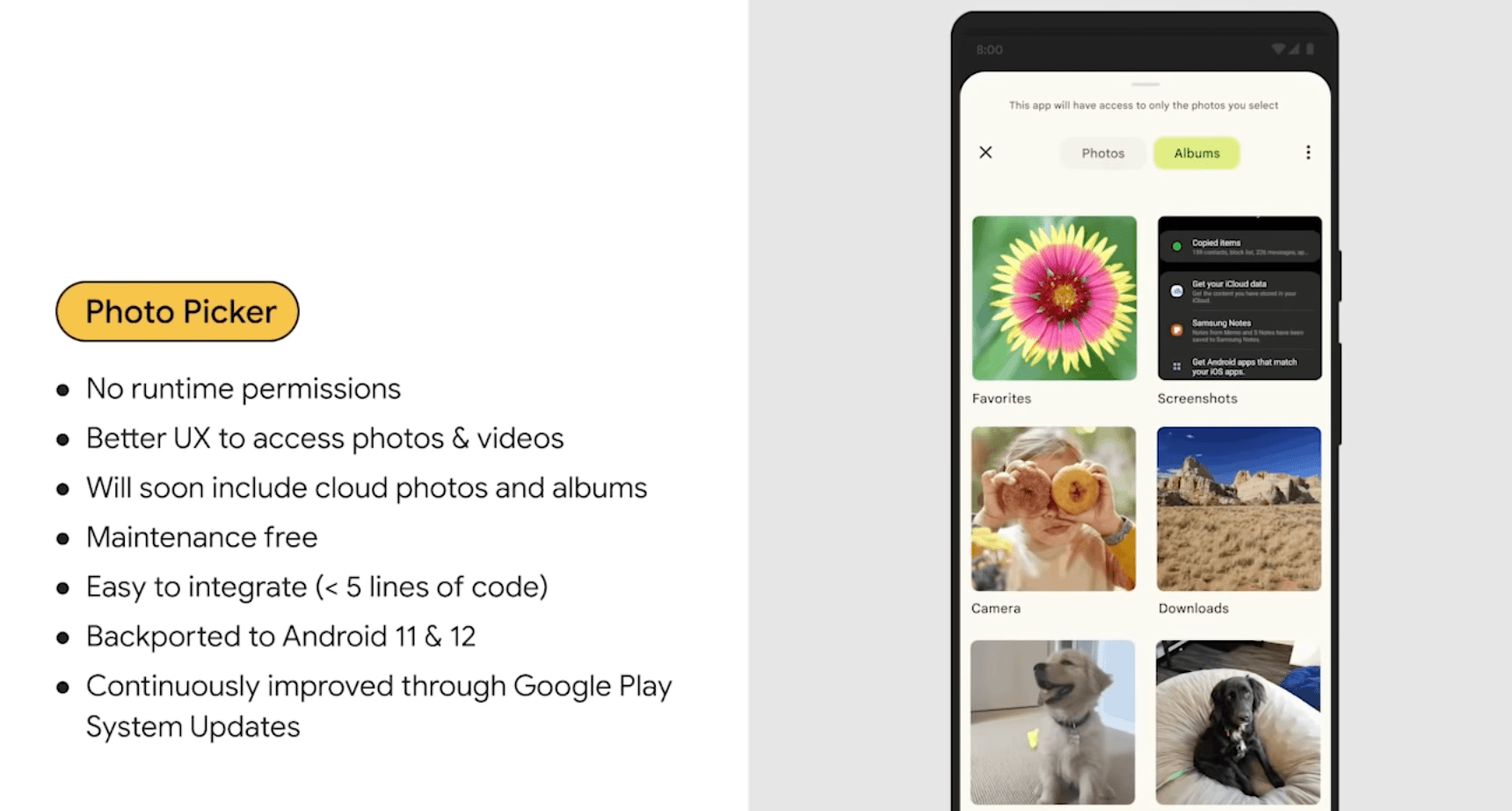
Learn more about the new photo picker here: https://developer.android.com/about/versions/13/features/photopicker
Predictable Back
On Android, users can start a back swipe gesture from the edge of their phones. Android 13 adds a preview display on where the back event will go while users keep dragging from the edge. Apps need to provide this data to Android.
Learn more about predictable back feature here: https://developer.android.com/about/versions/13/features/predictive-back-gesture
MLKit
MLKit now has a new text recognition API that extracts texts from images: https://developers.google.com/ml-kit/vision/text-recognition/android
CameraX API 1.1.0
Lots of improvements were made to the Camera APIs in Android 13.
- Choose Cameras & Resolution
- WYSIWYG Camera Controls
- Pause, Resume & Audio Controls
- New Camera APIs for HDR Video Capture with HLG10
- Better Camera Previews
- Camera 2 and CameraX Extensions for Special Effects, Bokeh and More
- Fallback for Non-Extension Devices
To learn more, watch What’s New in Android Camera session:
https://io.google/2022/program/f4726bbd-d230-4574-abc6-211baa6aec35/
Accessibility Features
Braille Displays
Android 13 support Braille displays, enabling visually impaired users to read and input information.
Semantics Tree
Semantics Tree is a separate tree that is for Accessibility purposes. You can define which element will be scanned after a certain element. Create a hierarchy so that your users that need aid can navigate your app’s UI easily.
https://developer.android.com/jetpack/compose/semantics
Audio description
Android 13 introduces a new system-wide accessibility preference that allows users to enable audio descriptions across all apps. Apps can provide audio descriptions of their UI or content when requested.
To learn more, watch What’s New in Android Accessibility session here: https://io.google/2022/program/aedbd452-b886-4ad9-af88-48f2bc01091b/
Google Wallet API
Google introduced a new Google Wallet API for easier management of passes.
Apps can now save passes themselves without the need of a backend server. You can also now group passes that are related.
If you’re using the old Google Pay button to add passes, there is a new button design with “Add to Wallet” text on it. You need to migrate to that button.
Learn more and check sample code on Google Developers’ Wallet Page: https://developer.google.com/wallet

For the full list or to download the Beta, go to Android 13’s Developer page. https://d.android.com/13
Cross-Device Authentication
One of Google’s focus was to make switching between multiple Android devices easier. Sharing authentication data when logging into apps and websites is a must have for easier logins. Google mentioned 3 API’s on this subject:
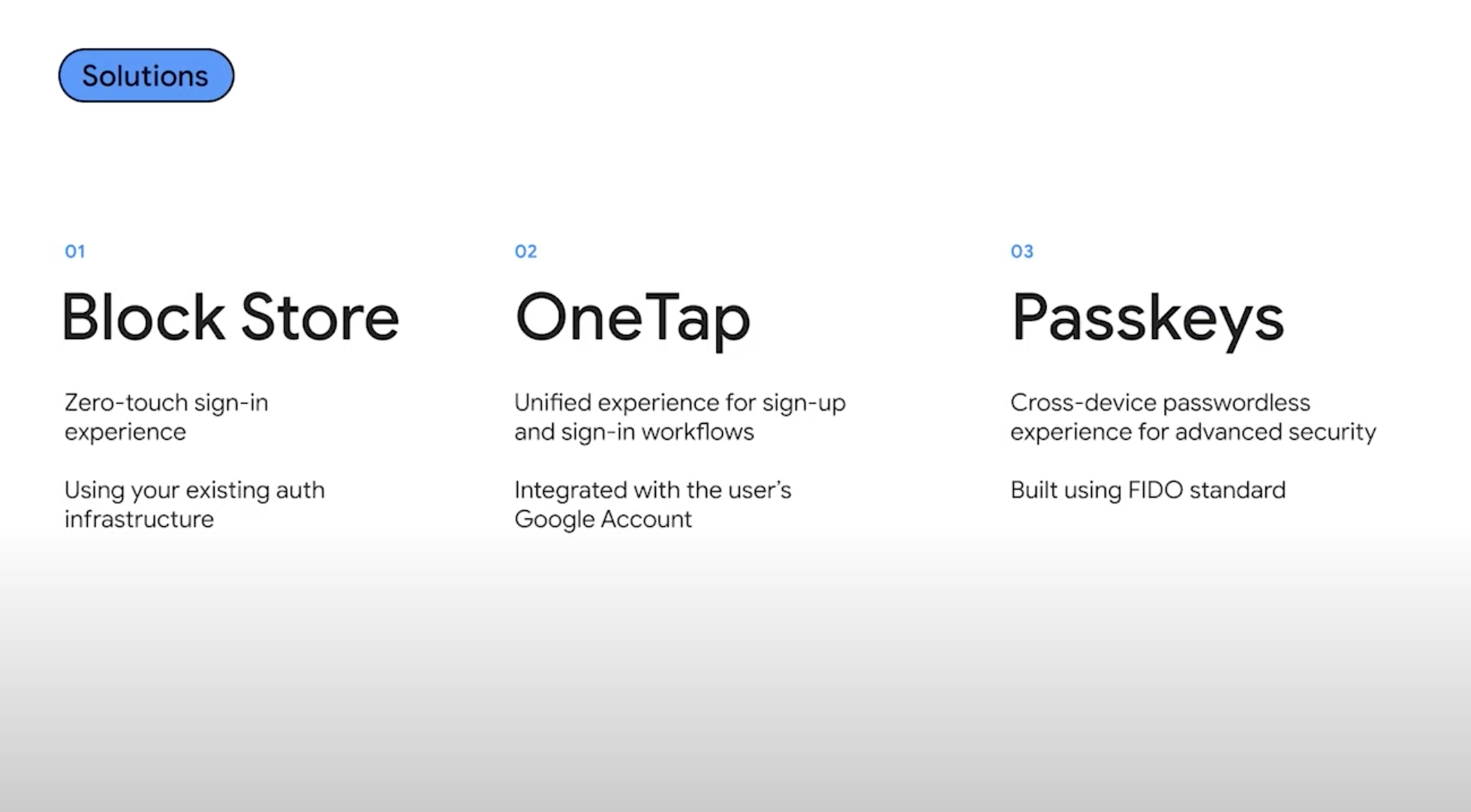
- Block Store API lets you store and transfer authentication tokens across devices.
- OneTap API lets you to create a new account for users with their Google Credentials
- Passkeys API syncs and retrieves saved passwords across devices.
To learn more, watch the Cross-Device Authentication Session from Google I/O 22: https://io.google/2022/program/c4be021c-53ec-493e-a3c1-7db7a168317e/
App Quality on Google Play
Google Play has a few new features to improve developers’ workflow.
Vitals
Google Play has a Vitals tab where you can monitor your app’s issues. You can filter data based on Country
You can now extract issues via an API and get data like crash rate using Google Play Developer Reporting API: https://developers.google.com/play/developer/reporting
Prioritise Issues
Compare issues based on reach and devices
Device Catalog screen shows you which devices you app supports fully, partial or doesn’t support.
For internal testing, you can pick Android Auto channels. Google Wear channel is arriving soon.
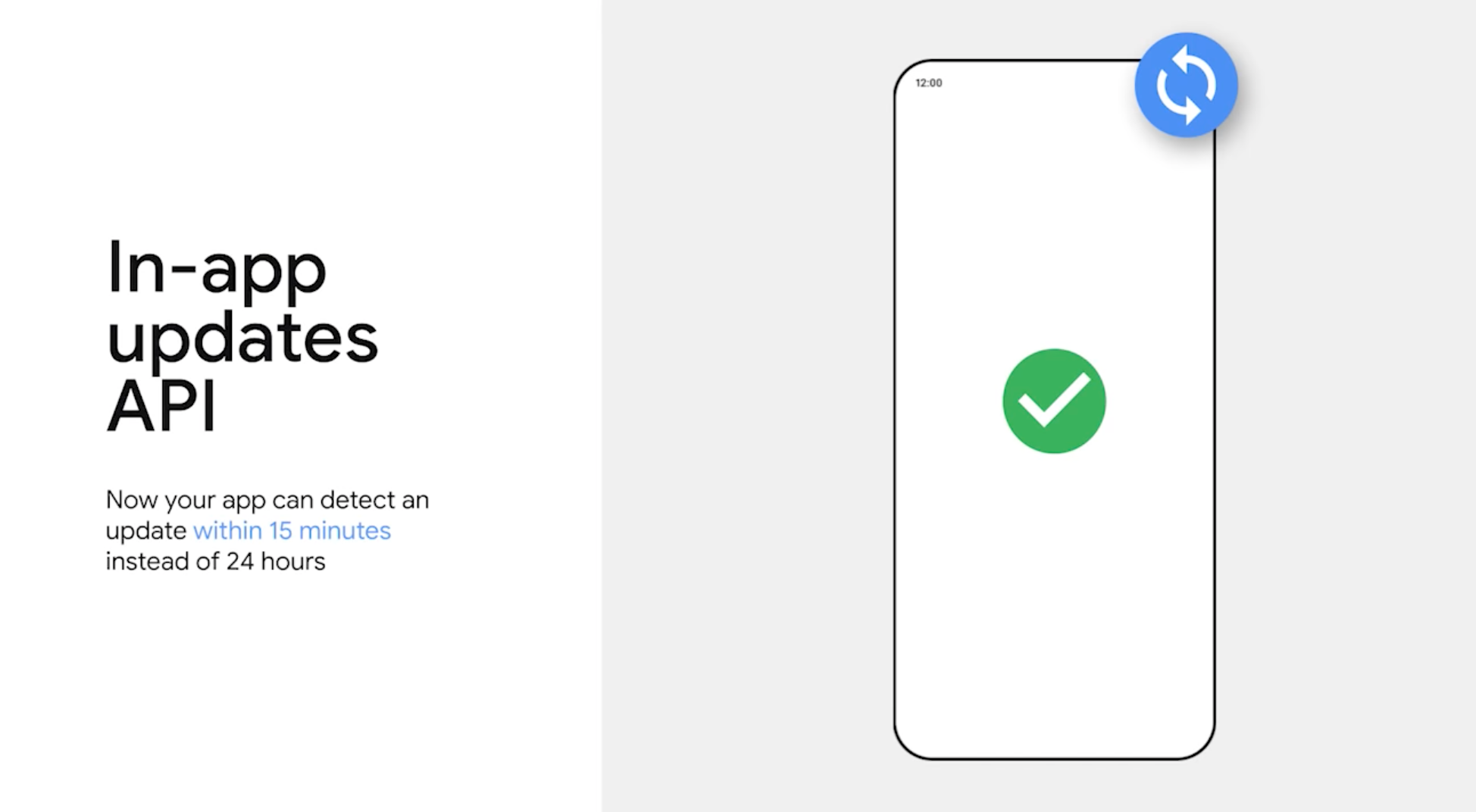
In-App Updates API is also updated. Apps can detect a new update in 15 minutes, instead of 24 hours.
Grow Your Business with Google Play
- Custom Store listings now have deep links
- You can experiment with custom app listings.
- Can create up to 50 custom listings.
- Determine how long a custom listing experiment will run
- Google forecasts the time to complete an experiment
- With these, you can get faster results with an experiment
Engagement
LiveOps lets you create timed events that are displayed on Google Play’s main page. You can create various kinds of events such as discounts, extra value, free rewards, subscription trials and others.
You can all Deep Links to track which users installed your app via LiveOps. Detailed reports from your events are also presented to you from your Developer dashboard.

Monetization
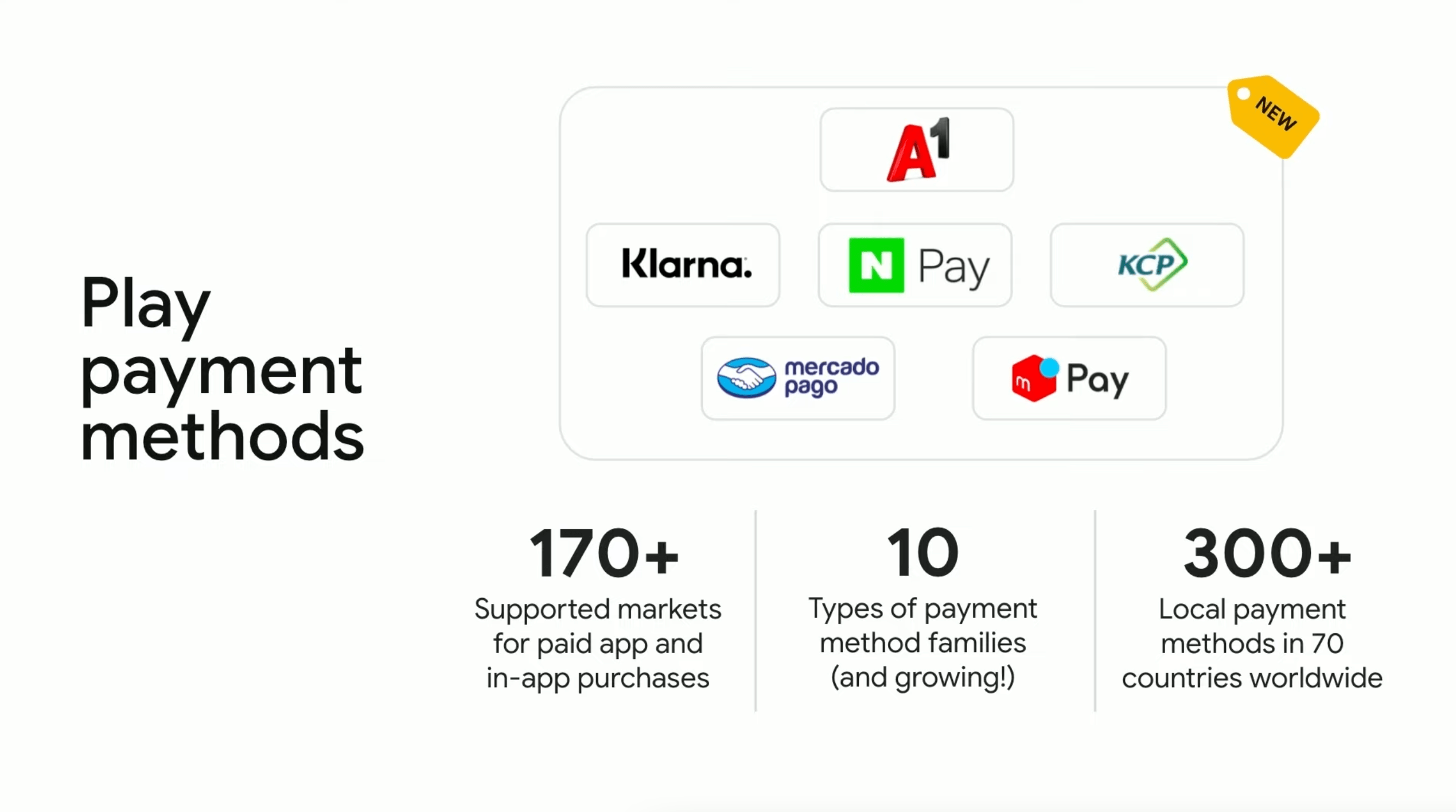
Google expanded the number of payment methods for countries with local payment options. You can also lower prices in any territory individually.
Subscriptions
Subscriptions changed from ground up. Now offers are linked to a base plan, resulting in less SKU creation for your subscriptions. You can create offers for new subscriptions (discounted price for new subscribers), upgrades and crossgrades. Custom offers are an option too. For instance, you can offer a discounted price to a new customer that cancelled their subscription a while ago.
Support for prepaid plans, different pricing/offers for different territories, and pricing updates without affecting previous subscribers are introduced as well.
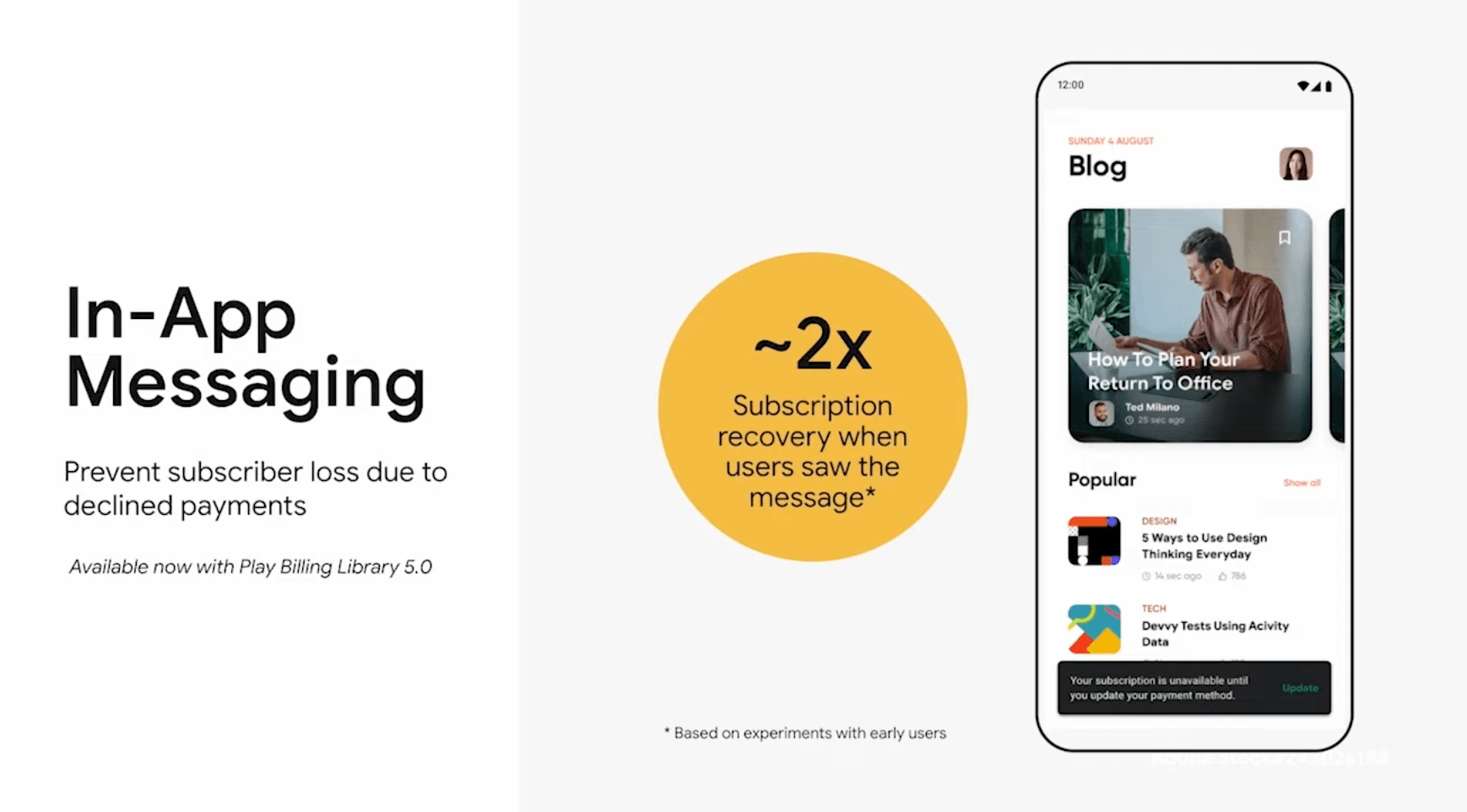
With Play Billing Library 5.0, you can display an in-app message to the user when a payment is declined. This improves retention and reduces churn.
To learn more, watch the session for Google Play Improvements: https://io.google/2022/program/87d1e16b-09ff-4f48-ad4e-eae333f78513/
WearOS
Compose for Wear OS (Beta)
Jetpack Compose is now available for WearOS (beta).
Health Services
Health Services API lets you get sensor data from wearable devices.
https://developer.android.com/training/wearables/health-services
Health Connect
Health Connect API unifies the Health Data from various apps into a single database in device. https://developer.android.com/guide/health-and-fitness/health-connect

