
How to Choose the Right Mobile CI/CD Tool in 2025: A Complete Guide
This guide is designed for teams looking to choose the best Mobile CI/CD platform in 2025. By now, the importance of Mobile CI/CD is clear to all development teams. With so many options available, selecting the right platform can be challenging. This guide was created to help you understand the key features to look for and make a confident, informed decision that fits your team’s specific needs.
The Impact of Choosing the Right Mobile CI/CD Platform
1. Automation and Build Efficiency
Streamlined CI/CD Outcomes
- End-to-End Automation: Eliminates manual steps, reducing delays and errors in the release cycle.
- Automatic Build Triggers: Keeps your pipeline always in sync with development changes for rapid updates.
- Optimized Performance: Build prioritization and caching speed up execution and improve efficiency.
2. Clean and Isolated Build Environments
Benefits of Clean and Isolated Build Environments
- Clean Build Environments: Each build starts fresh, avoiding issues from leftover files or local configurations.
- Isolated Execution: Builds run in fully isolated environments (e.g., VMs or containers), preventing cross-build interference.
- Consistent and Secure Outputs: Eliminates environment-specific variability and enhances security with temporary, wiped-after-use instances.
3. Continuous Feedback and Control Mechanisms
What You Gain from Smarter Feedback Loops
- Instant Testing & Distribution Feedback: Integrated testing and auto-distribution provide real-time insights for faster iteration and bug fixing.
- Multi-Channel Notifications: Real-time alerts via Slack, Microsoft Teams, email, or webhooks keep teams informed and responsive.
- Smart Approval Gates: Manual approvals and gated workflows add control and reduce risks when full automation isn’t enough.
- Commit Status Updates: Sending build results to the repository provider automatically, giving developers instant feedback at the commit level.
4. Scalability and Flexibility
What You Gain from a Scalable and Flexible Setup
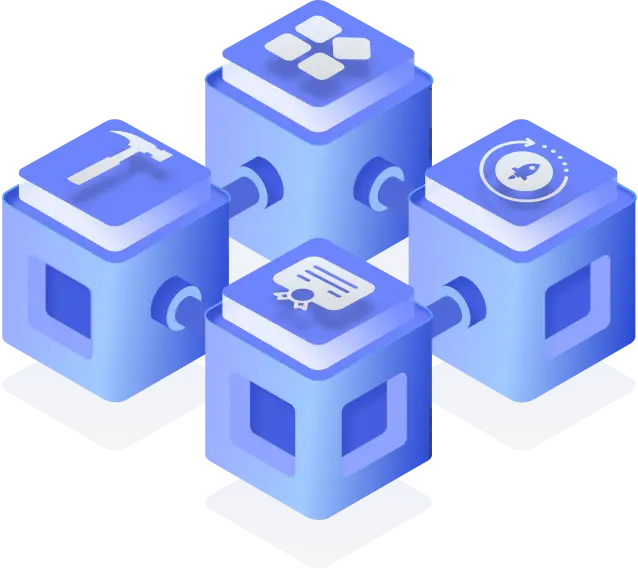
- Growth-Ready Architecture: Handles increasing workloads, concurrent builds, and complex pipelines without slowing down.
- Always Up-to-Date Stacks: Ensures build stacks are continuously updated with the latest versions for maximum compatibility and security.
- Multi-Platform Support: Seamlessly supports native (iOS/Android) and cross-platform (React Native, Flutter) development.
- Multi-Tenancy: Supports large organizations with secure, independent workspaces that scale seamlessly across teams and projects.
5. Native Integrations and Plugins
Why Rich Integrations and Plugins Matter
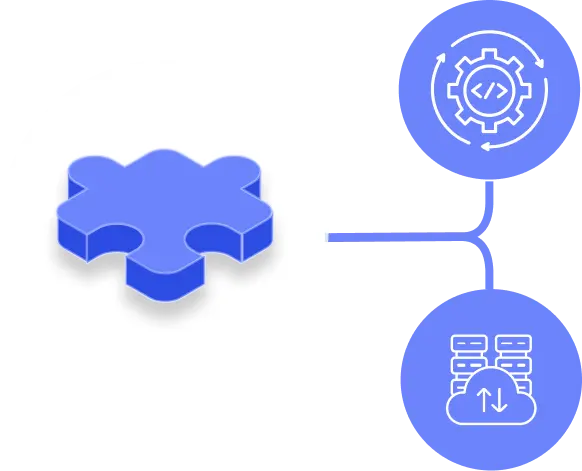
- Efficient Pipelines: Use the tools in your workflow without extra scripting, thanks to a rich set of integrations in your build pipeline.
- Native CI/CD Tool Plugins: Native plugins for the CI/CD tools you already use reduce manual effort and enable seamless app delivery.
- Seamless Git Integration: Simplifies repository connection with your preferred Git provider, ensuring effortless source control integration.
- Extensible Pipeline: Easily add new services or tools as your project evolves, without switching platforms.
- Cross-Team Efficiency: Supports diverse teams by integrating with the systems they already use, enhancing collaboration and productivity.
6. Observability

Benefits of Complete Visibility and Auditability
- Comprehensive Logging: Tracks all build, system, and activity logs for full pipeline visibility.
- Audit & Security Monitoring: Captures manual changes and user actions to support compliance and traceability.
- Faster Debugging: Searchable logs help teams quickly identify and resolve issues across the pipeline.
- Clear Error Messaging: Provides detailed and actionable error messages, making it easier for developers to understand and fix problems without guesswork.
- Binary Journey History: Maintains a full trace of binaries, including which commit produced them, who committed the changes, which testers approved them, and the app lifecycle they went through before reaching the app stores.
7. Distribution to Testers
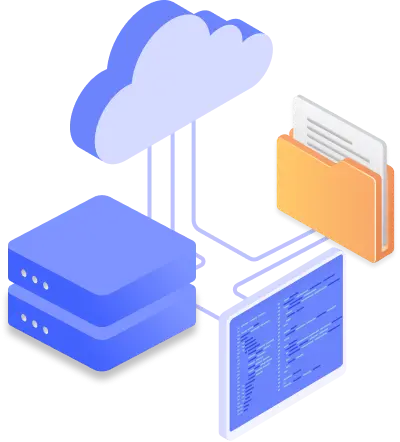
Modern platforms should include a secure, built-in distribution system with a tester portal where users can log in, view available builds, and download versions compatible with their devices. To support different workflows, look for solutions that integrate with popular CI/CD tools through marketplaces or APIs. The platform should also offer flexible access options like static login, LDAP, or SSO, along with device-based filtering to show only the relevant binaries.
Key Capabilities for Effective Tester Distribution
- User-Friendly and Adaptive Access: Testers use a simple portal that shows only builds compatible with their device and OS, reducing confusion and failed installs.
- Flexible and Secure Access: Support static login, LDAP, and SSO to provide secure access for teams of any size.
- Version Tracking and Build Validation: Re-sign builds, compare binaries, and track test versions to maintain consistency across environments.
- Automatic Release Notes Delivery: Ensure testers receive release notes with every build, keeping them informed of updates and changes.
- Binary Tags for Clarity: Add metadata such as commit ID, configuration, or workflow name to make every build easily traceable and identifiable.
8. In-House App Distribution
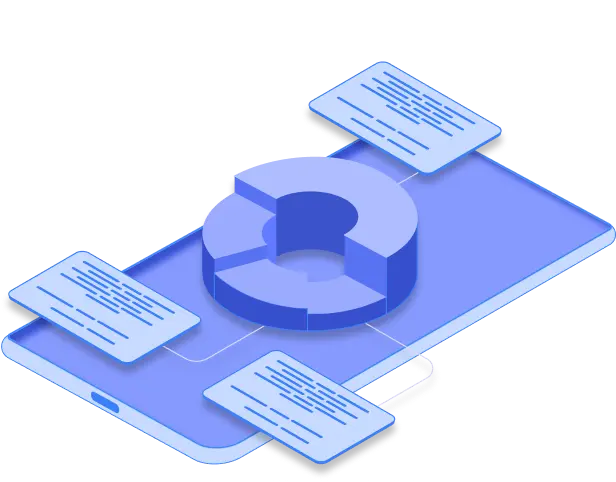
For enterprises and organizations managing internal apps, a modern CI/CD platform should provide a secure and scalable way to distribute them outside of public app stores. Instead of relying on manual methods, teams need a centralized portal where authorized users can access the right builds for their devices. Key capabilities include enterprise-grade access control, seamless in-app updates, customizable distribution experiences, and detailed reporting to track adoption and compliance across teams.
What to Look for in In-House Distribution
Customizable and Secure Internal Store: Provide employees and partners with a centralized, secure portal to download internal apps, tailored to your organization’s needs.
Enterprise Authentication: Use LDAP or SSO to manage user access without requiring separate credentials.
Beta and Live Channel Management: Organize builds into separate beta and live channels, allowing different user groups to access the right version based on testing or deployment stage.
- In-App Updates: Deliver and install updates directly within the app to reduce friction and ensure users always have the latest version without interrupting their workflow.
- Enterprise-Grade Reports: Track who installed which version and when, giving you full visibility into app adoption and compliance across your organization.
9. Release Management and Store Submission

Once your app has been tested and is ready for release, your CI/CD platform should simplify and automate the delivery process. A well-designed CI/CD platform should support the full release workflow, from binary resigning and validation to publishing, through deep integrations with app store APIs. Look for platforms that allow you to send builds directly to public app stores. Advanced features like automatic metadata syncing, staged rollouts, and approval submission can further reduce delays and streamline your release process.
How Automated Releases Improve Mobile Delivery
Rich Store Integrations: Deploy your application to App Store, Google Play, Huawei AppGallery, Microsoft Intune, and TestFlight from a single hub.
Binary Resigning and Comparison: Ensure builds are properly signed for the target environment and compare binaries to avoid unnecessary uploads.
- Metadata Updates: Automatically update metadata information (e.g., descriptions, release info, screenshots) on app stores to keep listings accurate and consistent.
Customizable Publish Flow: Tailor the publishing flow to fit your organization’s release dynamics. Add an internal approval step before deployment or customize it for different apps and environments.
- Faster and Safer Releases: Automate manual tasks, enforce release consistency, and reduce the risk of publishing errors.
10. Security and Compliance
Security, Permissions, and Compliance Benefits
- Built-In Secrets Management: Protects sensitive data like API keys and signing credentials from exposure in workflows.
- Role-Based Access Control (RBAC): Assigns precise permissions by role to minimize risk and enforce governance.
- Industry-Standard Compliance: Meets certifications like SOC 2 and ISO 27001 for trusted security and data protection.
Conclusion


FAQs
1. What is CI/CD for Mobile Apps?
CI/CD for mobile apps stands for Continuous Integration and Continuous Delivery or Deployment. It is a development approach that automates the process of building, testing, and deploying mobile applications.
Continuous Integration (CI) focuses on regularly merging code changes and running automated tests to catch issues early. Continuous Delivery or Deployment (CD) enables the automatic delivery of app builds to internal testing channels or public app stores, eliminating the need for manual steps.
This approach speeds up release cycles, improves feedback loops, and helps maintain consistent quality across every update.
2. Which mobile CI/CD tool is most popular in 2025?
Rather than focusing on popularity, it’s more important to choose a mobile CI/CD platform that aligns with your team’s specific use case. Whether you prioritize enterprise security, ease of setup, iOS provisioning, or automated store deployment, different platforms serve different needs.
There are many strong options in 2025, including Appcircle, Bitrise, and Codemagic. Each offers unique strengths depending on your workflow, tech stack, and distribution strategy.
To help you find the right fit, check out this mobile CI/CD platform comparison page for a detailed breakdown of features, integrations, and use cases.
3. How does a mobile CI/CD marketplace improve tool integration?
Many modern CI/CD platforms offer a component or integration marketplace, allowing you to connect with tools for version control, automated testing, code signing, bug tracking, analytics, and app store deployment.
These marketplaces make it easy to extend your workflows without custom scripting or manual setup, helping teams scale and adapt their pipelines as new tools and requirements emerge.
4. Why is app store automation critical for mobile CI/CD?
Automating app store submissions reduces manual errors and saves valuable time. Advanced mobile CI/CD platforms can handle tasks such as binary re-signing, metadata syncing, version code management, and staged rollouts for both the App Store and Google Play.
This ensures consistent and reliable releases while avoiding mistakes that often occur during manual upload and configuration processes.

