

Integrating BrowserStack App Automate
BrowserStack App Automate is a cloud-based mobile app testing platform that allows users to test their mobile apps on a wide range of real devices. Using real devices has several advantages such as:
- Access to a wide range of devices: With automated testing on real devices, you can test your app on a variety of devices and operating systems.
- Testing native device features: Push Notifications, Geolocation and network simulation.
- Parallel testing: BrowserStack App Automate allows you to run tests in parallel, which means you can test your app on multiple devices at the same time.
- Detailed logs and reports: BrowserStack App Automate provides detailed reports that include screenshots, video recordings, and logs of each test run
Integrating BrowserStack App Automate with Appcircle is very easy for both iOS and Android applications.
Create BrowserStack Account
In order to use BrowserStack you need to create an account and get username and access token from the dashboard. You can sign up for free here.
Setting Environment Variables
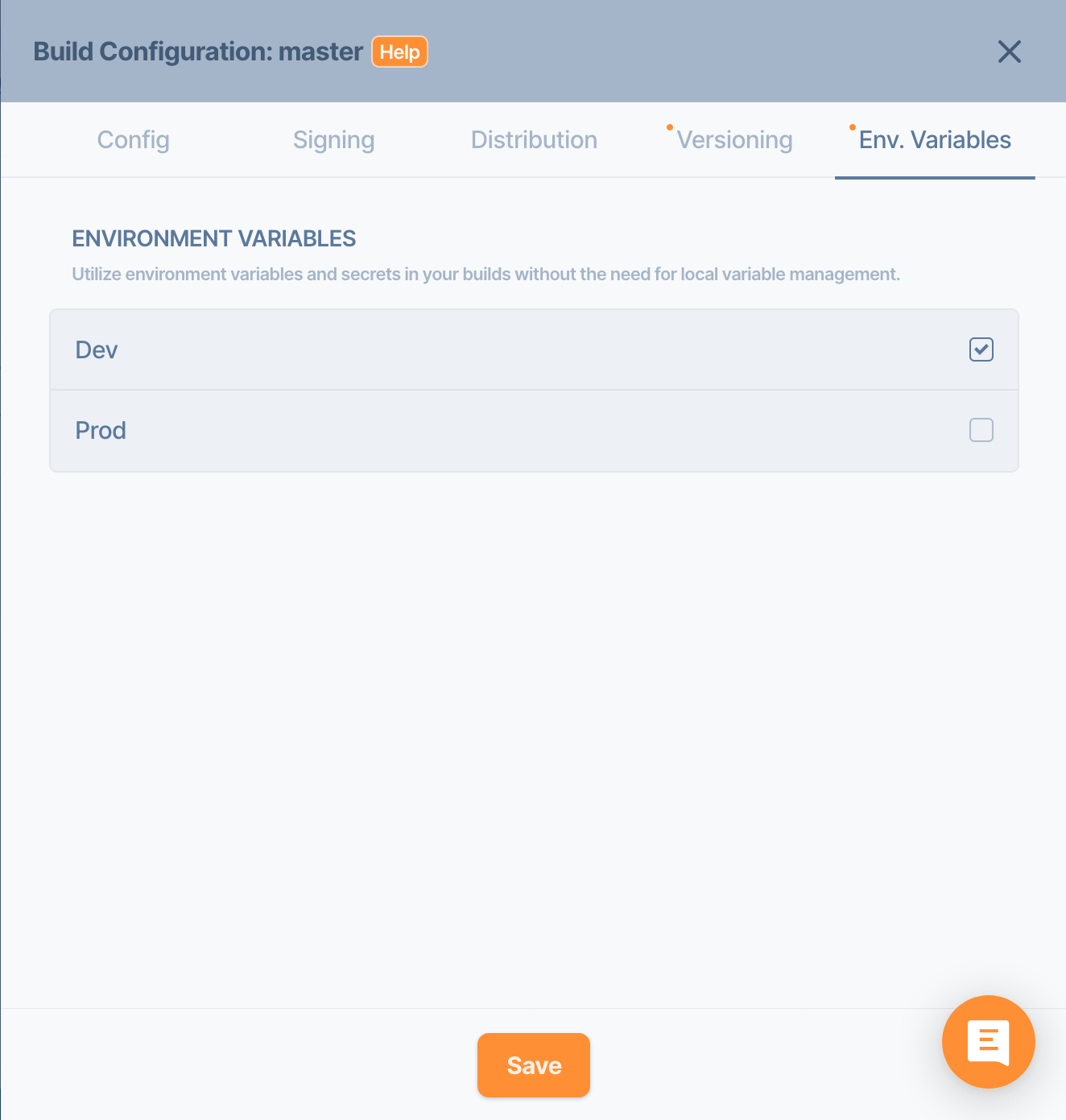
It’s better to use environment variables for BrowserStack credentials. As a best practice, secrets must be always used as environment variables and must be hidden by clicking the lock button. Please check this documentation to learn more about Environment Variables. After you have created your environment variables, you also need to select it on your configuration settings.
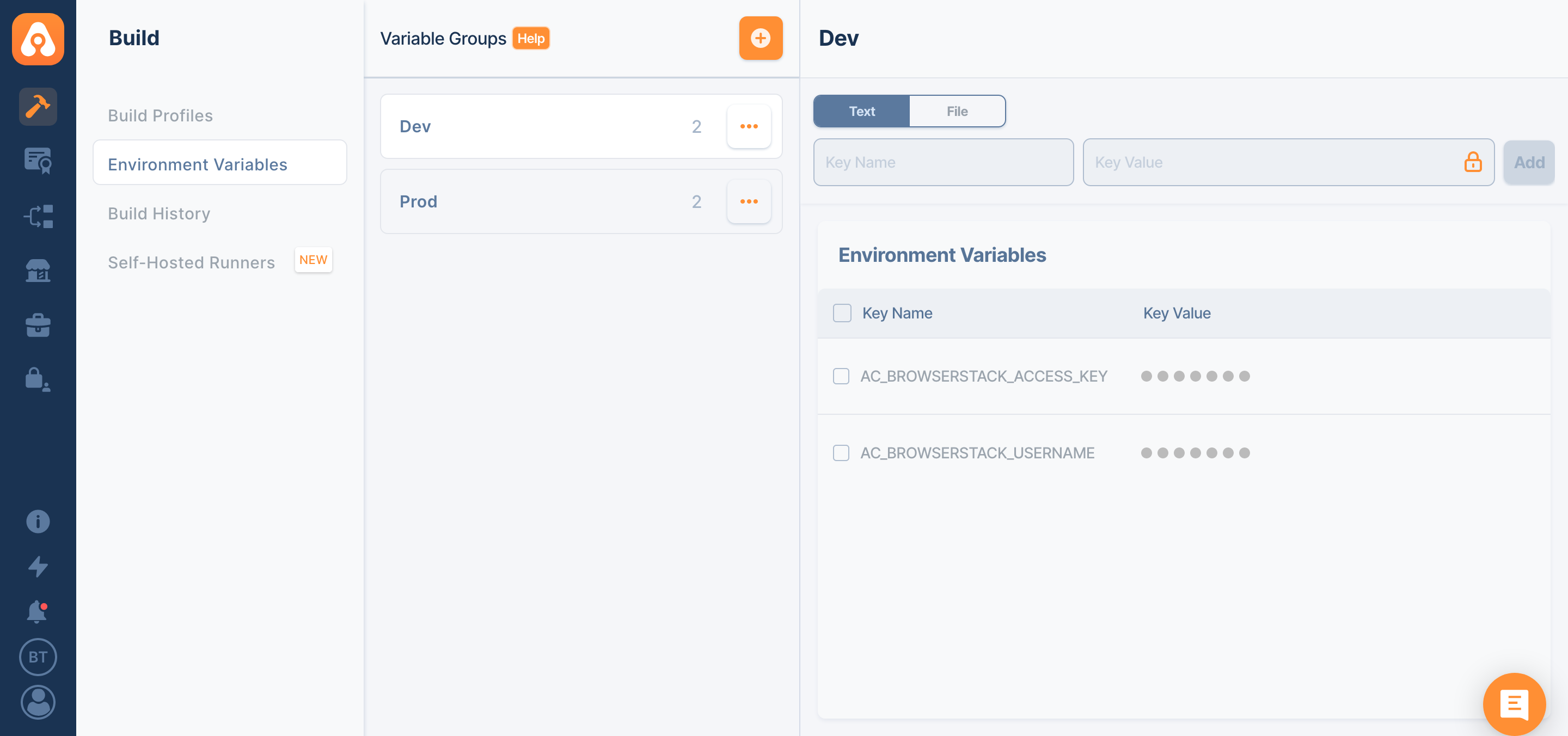
Setting Environment Variables
Android Projects
In order to run your Espresso Tests on BrowserStack, you need to have Android Build for UI Testing and BrowserStack App Automate – Espresso components on your workflow.
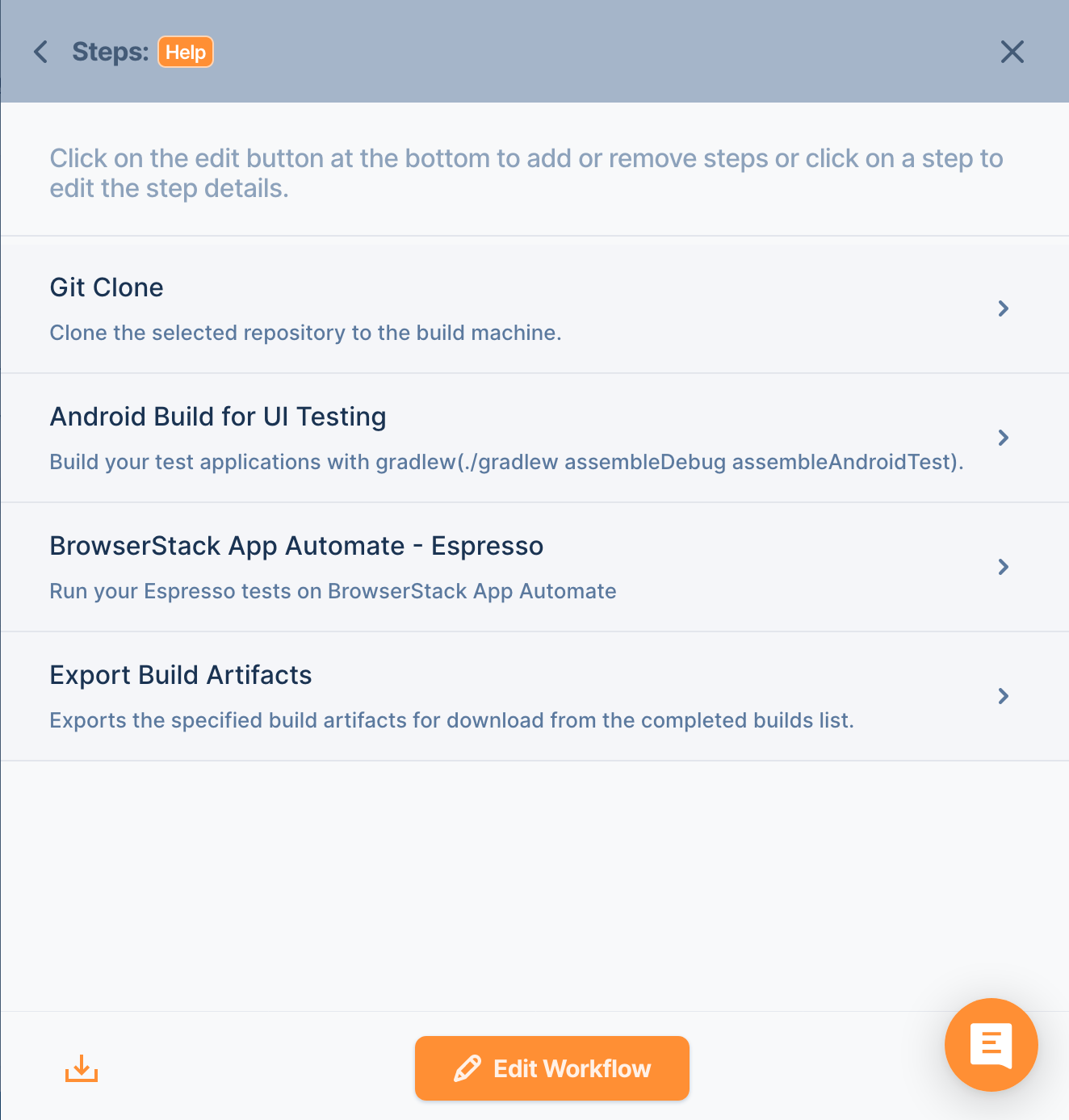
You may need to edit BrowserStack App Automate – Espresso component if you want to change devices or any other parameters that can be found on documentation.

iOS Projects
If you have Xcode UI Tests in your project, you need to add Xcodebuild Build for Testing and BrowserStack App Automate – XCUI components to your workflow.
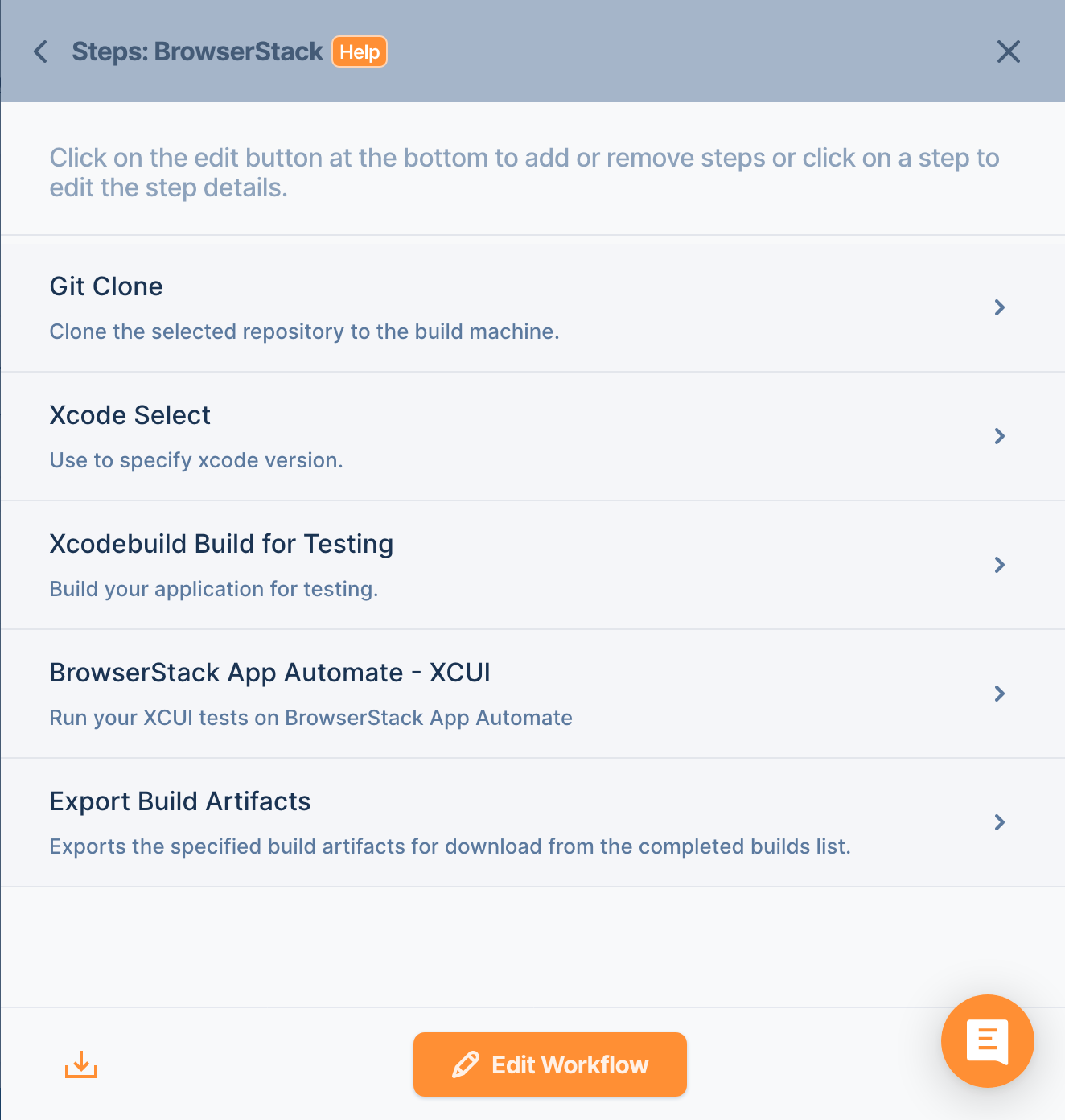
You may need to edit BrowserStack App Automate – XCUI component if you want to change devices or any other parameters that can be found on documentation.
Testing Results
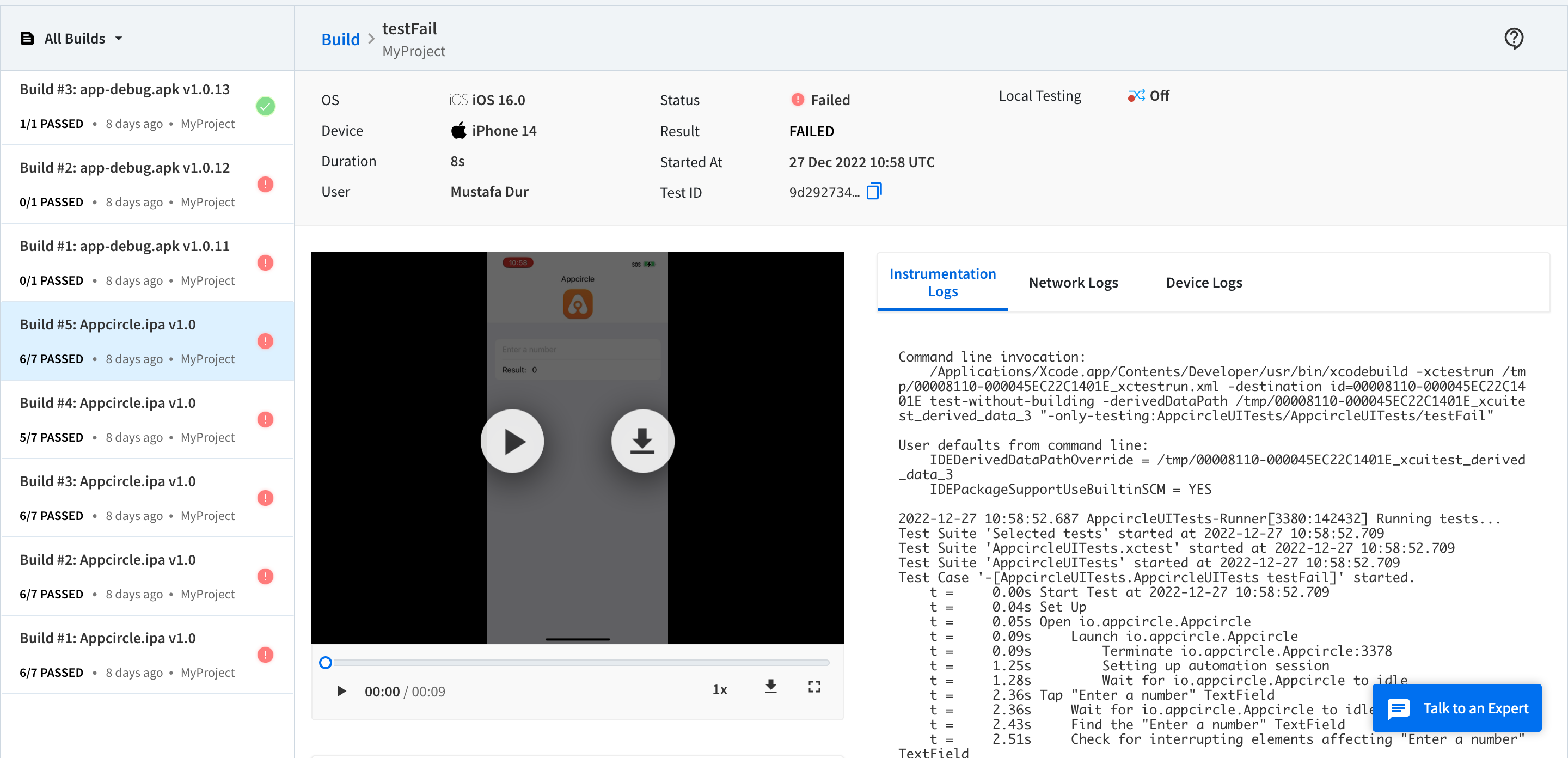
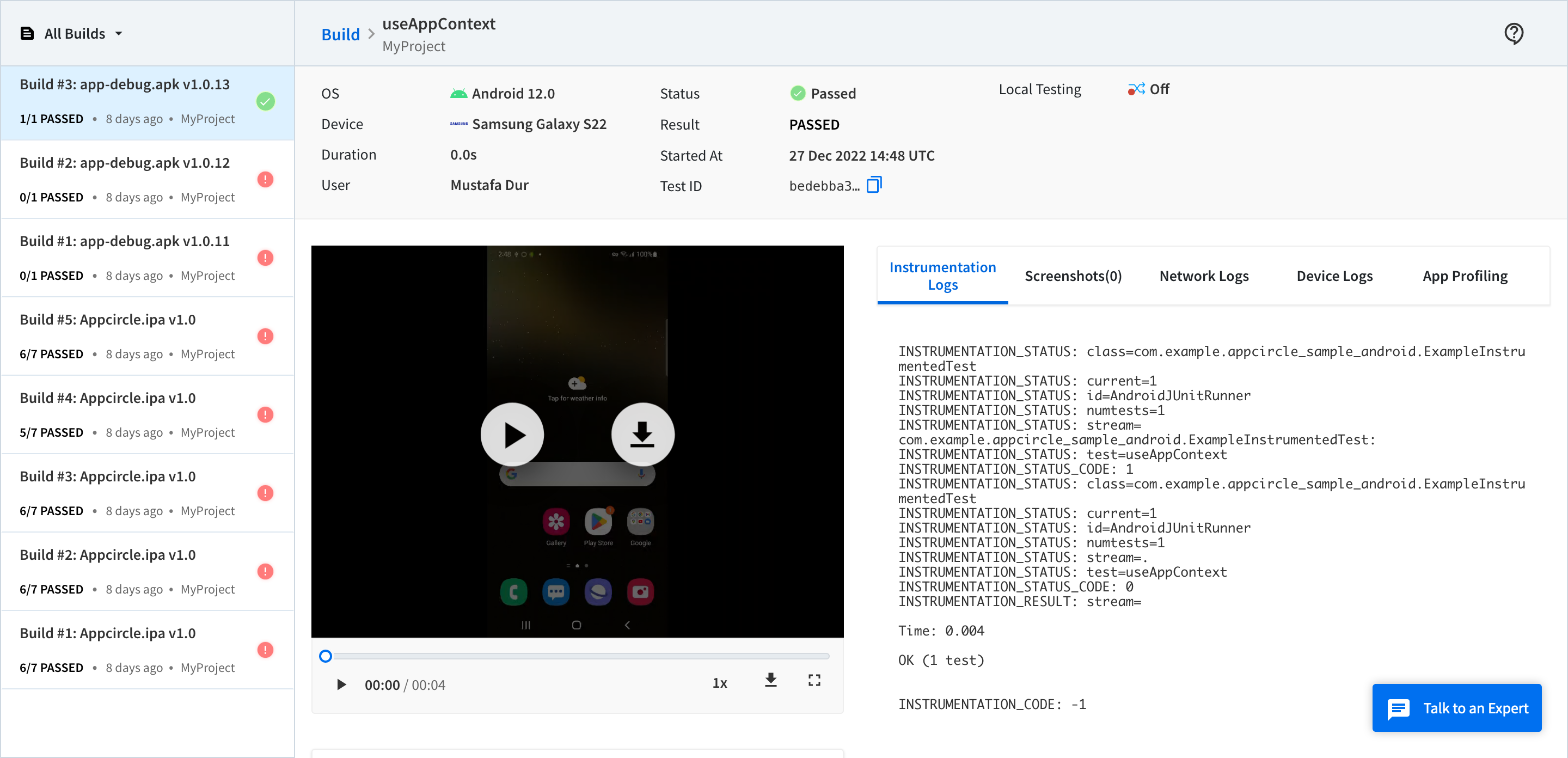
Summary
Overall, automated testing on real devices can provide a more realistic and comprehensive testing environment, helping you ensure that your mobile app works correctly and performs well on different devices. As explained in this post, it is easy to integrate Appcircle and BrowserStack. No need to mess with YAML files or tons of settings, just drag and drop the component.

