
WWDC25: Developer Summary
WWDC25 brought some of the most transformative updates Apple has ever introduced for developers. From the visually stunning Liquid Glass design and the on-device AI capabilities powered by Foundation Models, to a fully revamped App Store Connect API for automation, Apple is redefining how apps are built and shipped. Major improvements to Xcode 26, SwiftUI, SpeechAnalyzer, and Swift Concurrency also empower developers to build faster, smarter, and more accessible apps. It’s a milestone year for innovation across the entire Apple ecosystem.
Here are all the details..
New Liquid Glass Redesign for All Platforms
Liquid Glass is iOS 26’s new design, a live shader that refracts whatever sits behind your view and adds subtle depth like a real glass would do. It arrives with the SwiftUI modifier .liquidGlassBackground() and an equivalent UIKit blur style, systemUltraThinMaterialGlass, so you can swap out your old blurred panels in a single line.
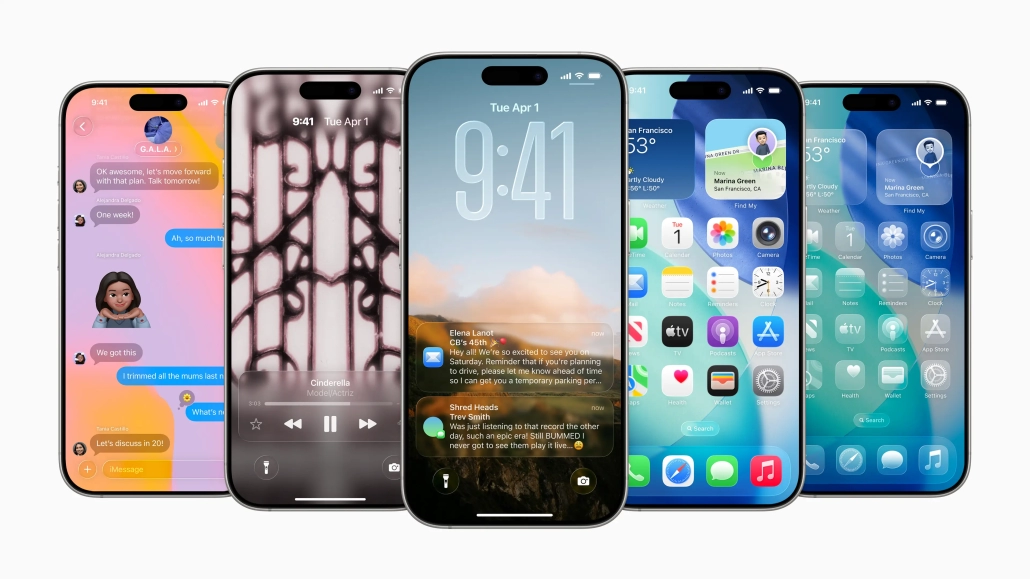
You can find more about how to build a SwiftUI app by using Liquid Glass here: Build a SwiftUI App with the New Liquid Glass Design
For UIKit check it out: Build a UIKit App with the New Liquid Glass Design
Run Offline AI Models on Device with Foundation Models Framework
Foundation Models framework is one of the most important features of WWDC25. It lets any third-party app use the very same on-device AI model that powers Apple Intelligence, so you can bring AI features that stay private and work offline.
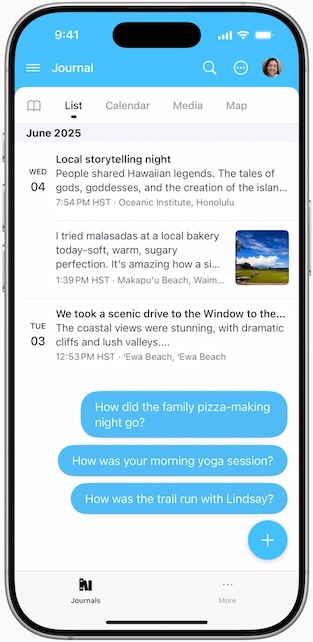
You can find more about Foundation Models Framework: Bring on-device AI to Your App Using the Foundation Models Framework
Automate Your Development Process with App Store Connect API
Apple introduced powerful updates to the App Store Connect API, enabling developers to totally automate their app development workflows. Key improvements include webhook support, a Build Upload API, and a Feedback API, seamless binary uploads, and instant access to tester feedback. These tools radical reduce manual intervention, accelerating the entire development cycle. It’s a major leap toward fully automated app management.
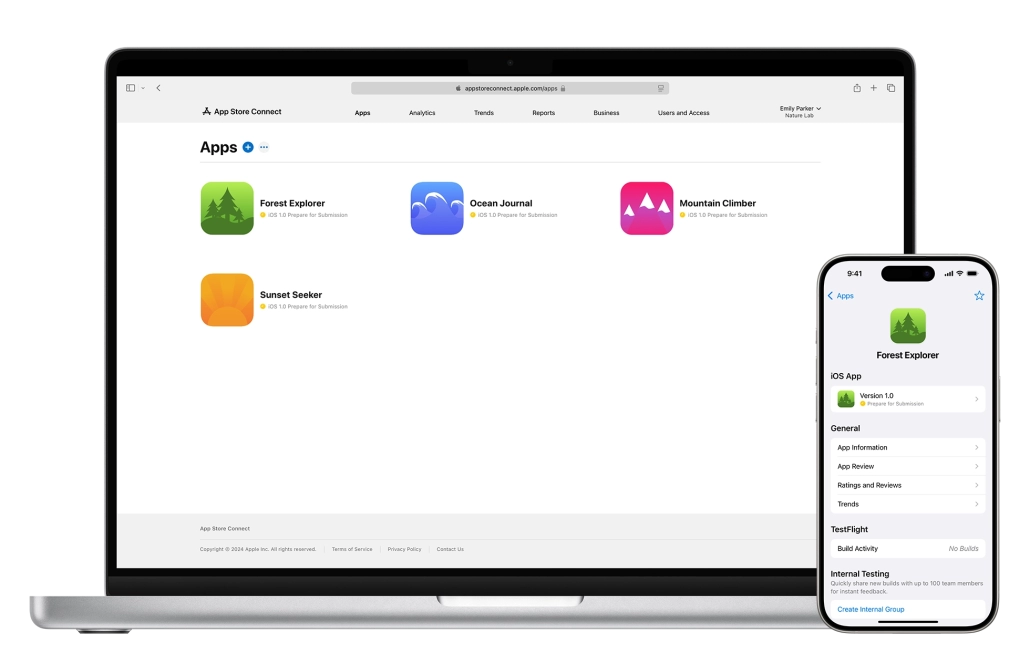
Check our article out to automate development process with App Store Connect API: Automate your development process with the App Store Connect API
What’s New in Xcode 26
Xcode 26 brings major improvements to performance, AI integration, and developer productivity. It introduces a smaller, faster IDE with features like AI-assisted coding, Playground macros, Icon Composer, and advanced localization tools. Developers can now debug Swift concurrency more easily, measure power usage broadly, and automate UI testing with real-time code generation. With a focus on speed, intelligence, and automation, Xcode 26 is a significant bounce forward in the Apple development ecosystem.
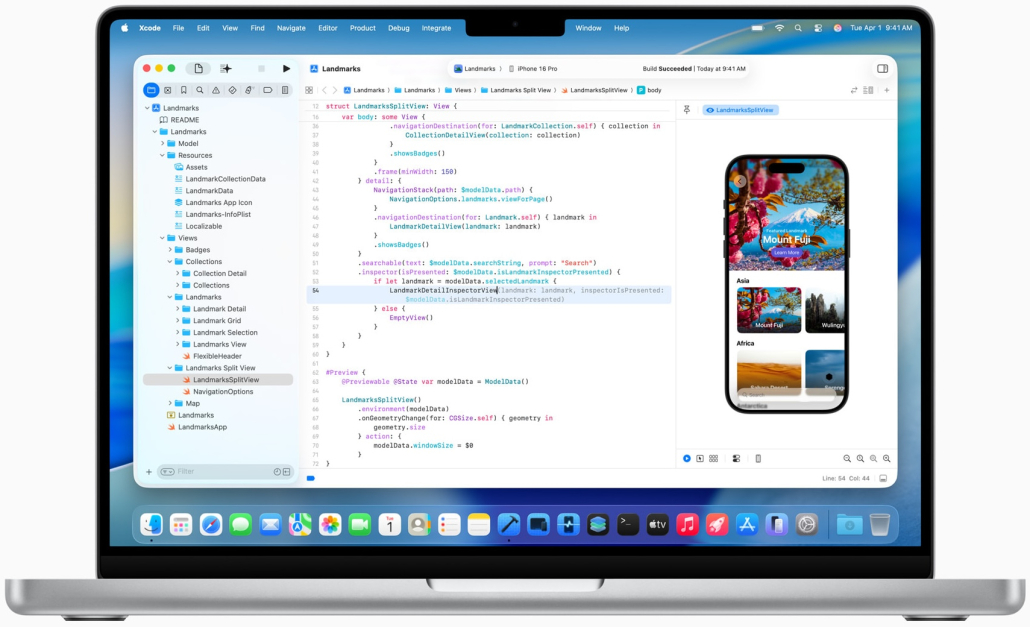
Everything you need to know about Xcode 26 is in this article: What’s New in Xcode 26 – Everything You Need to Know
What’s New in Swift 6.2
Swift 6.2, marks a bold shift toward cross-platform development and modern tooling. With official VS Code support via swiftlang, a new swiftly toolchain manager, and the #stringify macro, Swift becomes more accessible and expressive. Enhanced error detection, a built-in debugger (lldb-dap), and major NotificationCenter improvements simplify development and debugging. Apple’s commitment to expanding Swift’s reach is clear—ushering in a future where Swift thrives far beyond Xcode.

All the details about Swift 6.2 is in: What’s New in Swift 6.2
What’s New in SwiftUI
SwiftUI received an important upgrade with a new Liquid Glass design system, deeper UIKit/AppKit integration, and powerful tools for building immersive 3D and accessible apps. Developers can now embed SwiftUI scenes into existing apps, utilize rich text editing, and create advanced web, drag-and-drop, and RealityKit experiences. Performance also saw dramatic gains — lists render 6× faster and scroll responsiveness is smarter. With enhanced concurrency support and native WebView, SwiftUI is more flexible, performant, and capable than ever.
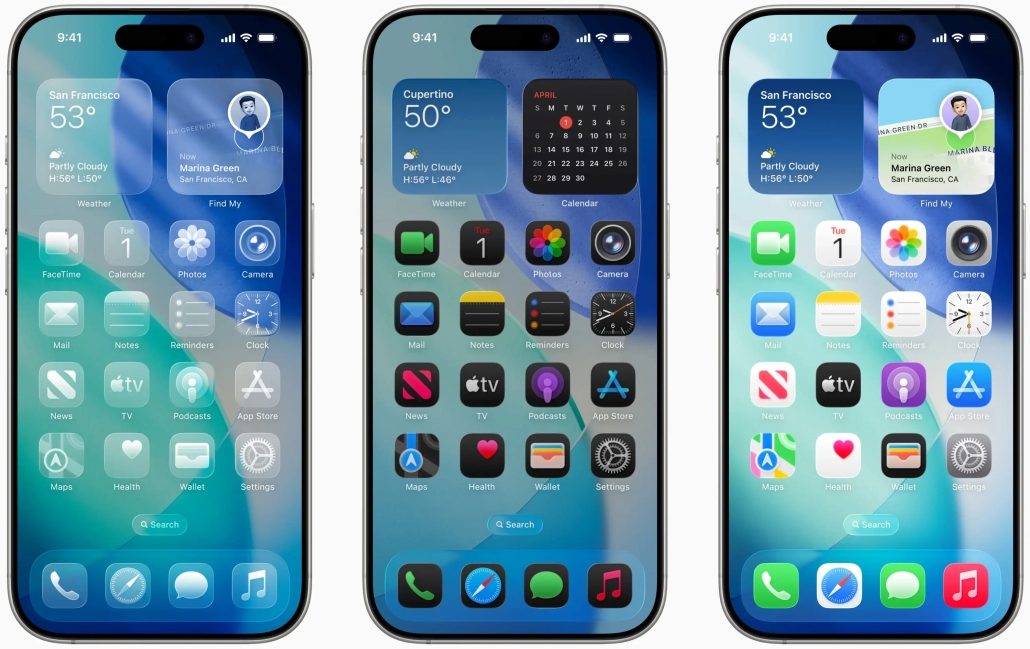
Get the details of latest improvements in SwiftUI: What’s New in SwiftUI
What’s New in UIKit
UIKit received its most significant overhaul in years with the introduction of Liquid Glass, bringing dynamic, translucent visuals to core UI elements. Key updates include SwiftUI scene embedding, automatic observation tracking with @Observable, smart animation handling using .flushUpdates, and typed notifications for safer code. UIKit now mandates the UIScene lifecycle, introduces HDR color support, and debuts a macOS-style menu baron iPadOS. With performance-focused APIs like updateProperties() and enhanced adaptivity in UISplitViewController, UIKit is fully modernized for iOS 26 and beyond.
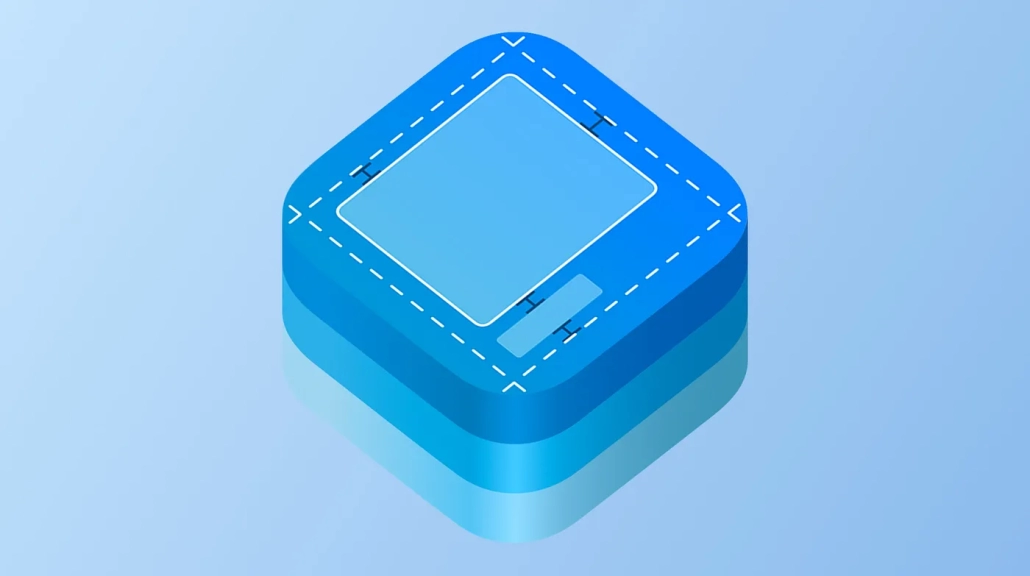
Get more in UIKit: What’s New in UIKit
Speech to Text is on Device with SpeechAnalyzer
SpeechAnalyzer and SpeechTranscriber were introduced, a modern replacement for SFSpeechRecognizer, enabling real-time, low-latency audio-to-text transcription with powerful async/await support. These tools offer offline processing, word-level timing, styled transcripts, and downloadable language models — ideal for dynamic and accessible app experiences. Developers can also leverage FoundationModels to generate content titles from transcripts. With a modern Swift architecture and multi-module support, SpeechAnalyzer marks a significant step forward in Apple’s speech recognition capabilities.
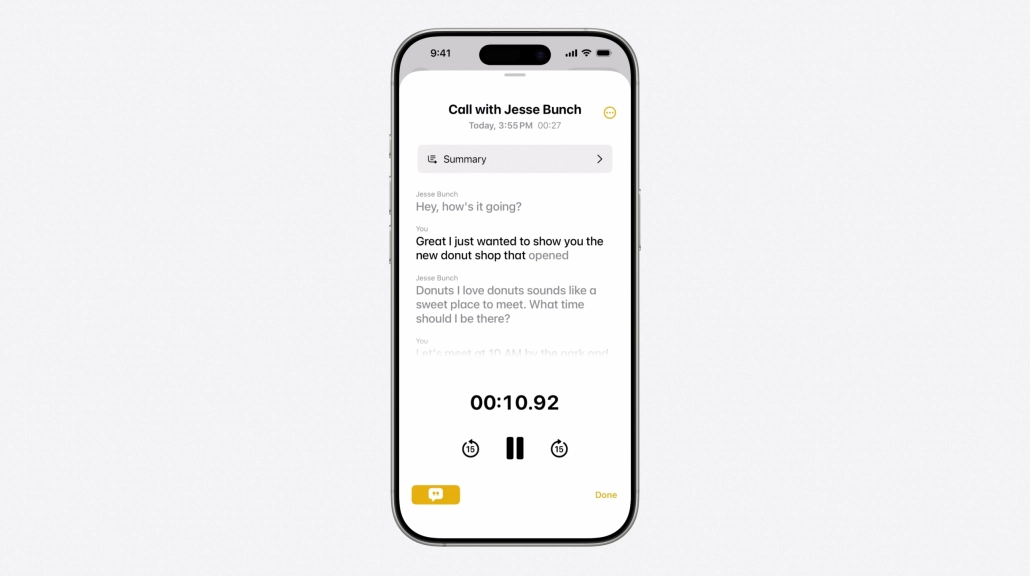
Here is the detail about how to integrate speech to text to your app: Bring Advanced speech-to-text capabilities to your app with SpeechAnalyzer
Swift Concurrency Improvements
Apple’s WWDC25 introduced major improvements to Swift Concurrency, empowering developers to perform multiple tasks simultaneously across threads with ease. New keywords like @concurrent, async let, and modern thread-safe practices enable smoother, safer parallelism for responsive UI and background processing. The update also focuses on data race safety, making it super easy to build robust, high-performance apps. With better syntax, tooling, and examples, concurrency is now more accessible and powerful than ever for iOS developers.
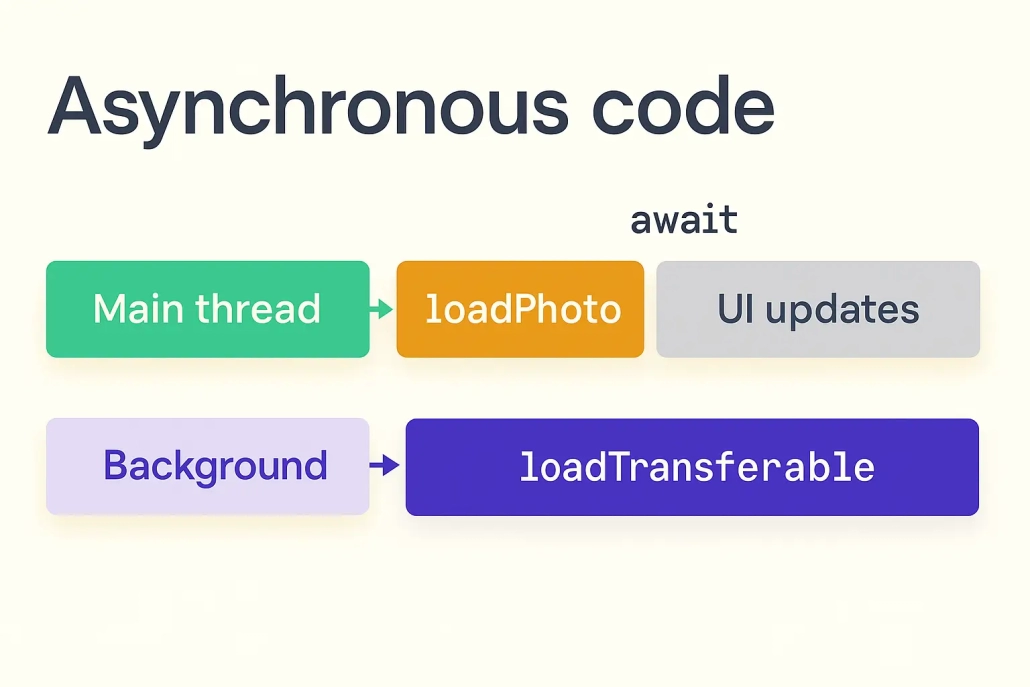
More about Swift concurrency: Elevate an App with Swift Concurrency
Platforms State of the Union
Apple’s WWDC25 Platforms State of the Union gave developers a closer look at what’s really changing under the hood. While the morning keynote was more high-level, this session focused on what matters to us: tools, APIs, and frameworks that shape how we build.
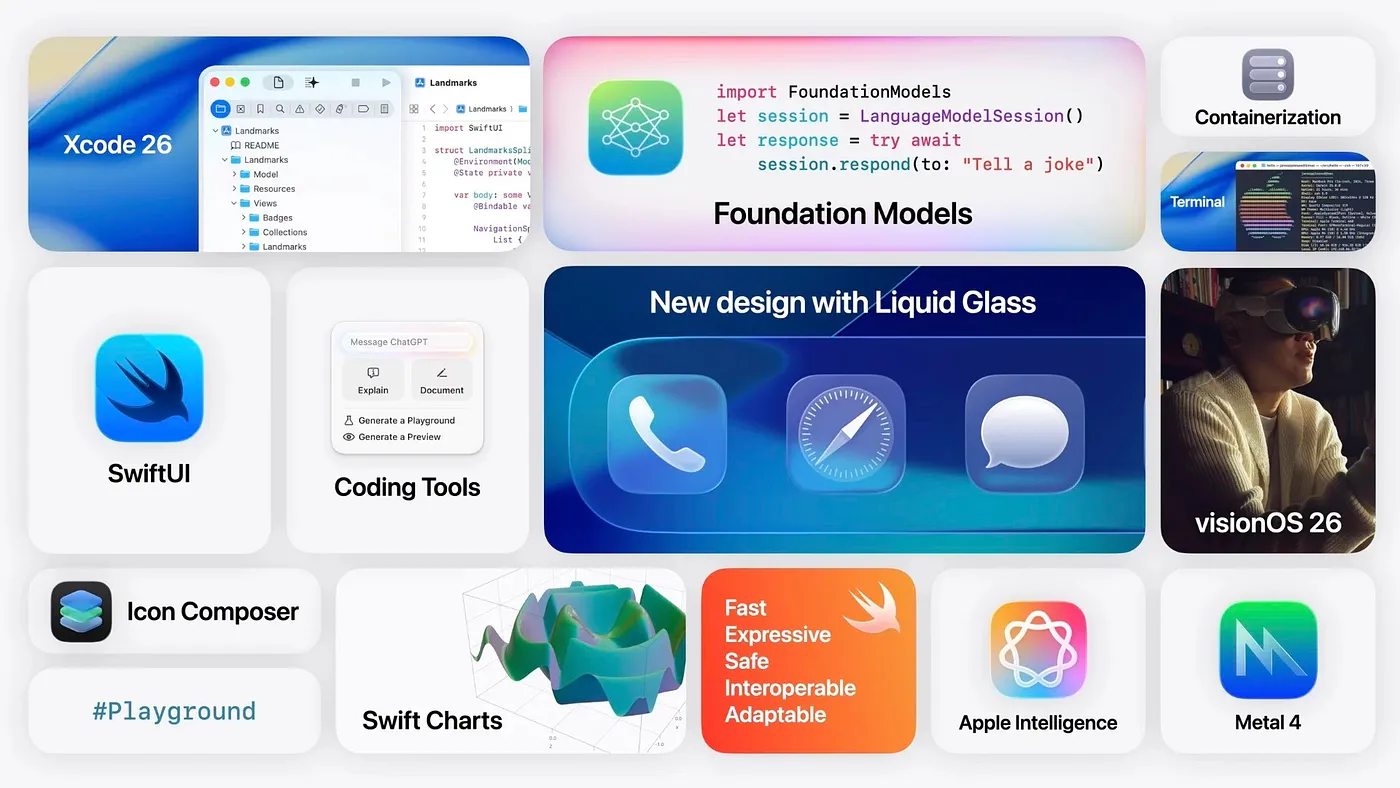
Find the all details in the Platforms state of the Union: Platforms State of the Union Developer Summary

