

WWDC23: Meet SwiftData
Apple has indeed emphasized the integration of SwiftUI with other APIs and frameworks during WWDC23, and SwiftData is one of the examples. SwiftUI and Macros work together seamlessly in perfect harmony. SwiftData is also compatible with CloudKit and Widgets. Now, let’s explore the @Model macro, one of Swift’s new macros, and quickly delve into how SwiftData facilitates reading and editing data.
Lets Explore @Model Makro
Unlike CoreData, SwiftData allows you to stay within the Swift ecosystem. Your models are constructed entirely using Swift code, and with a single macro, they are transformed into robust objects that seamlessly integrate with SwiftData. This approach ensures that you can fully leverage the power of Swift while working with data models in SwiftData. In this way, we do not need CoreData’s UI for the data model and then the Swift class we created to use the model.
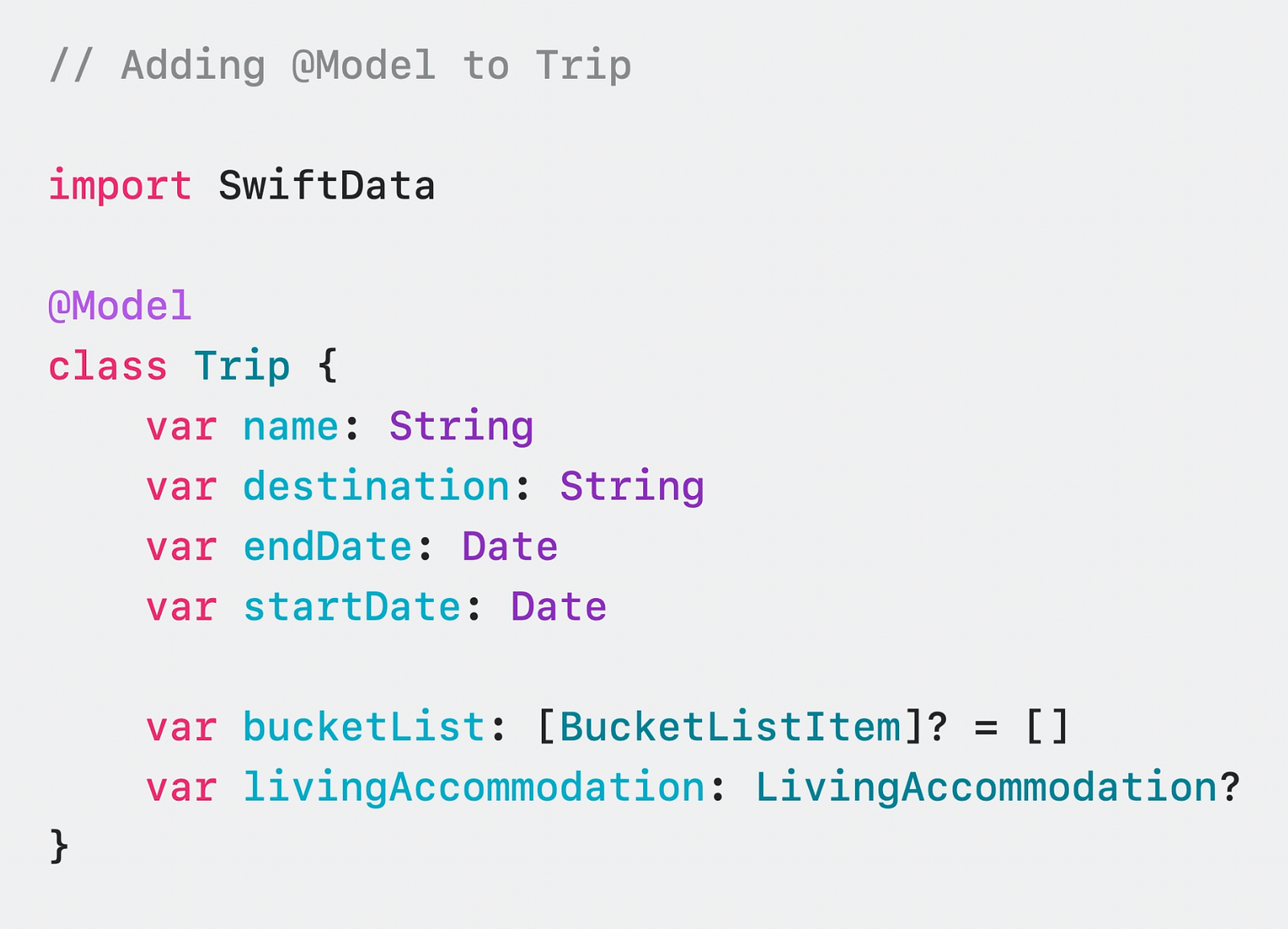
For example, you can establish a relationship between two objects or specify them to be unique with the attribute property.
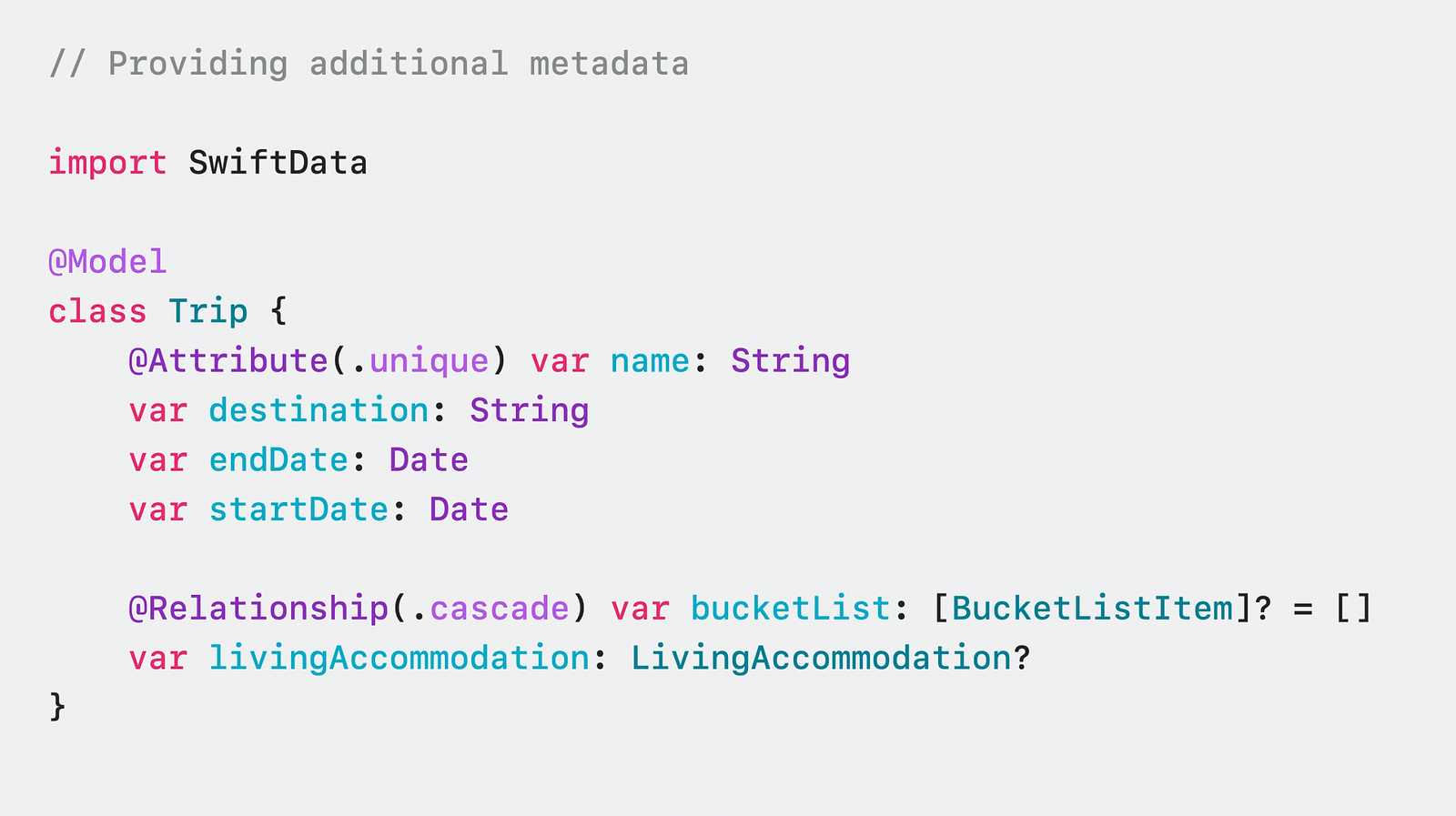
This makes it very convenient for us to create relational data and keep it locally on our device without an extra library. Now there are two key objects we need to know in order to use these models.
ModelContainer and ModelContext
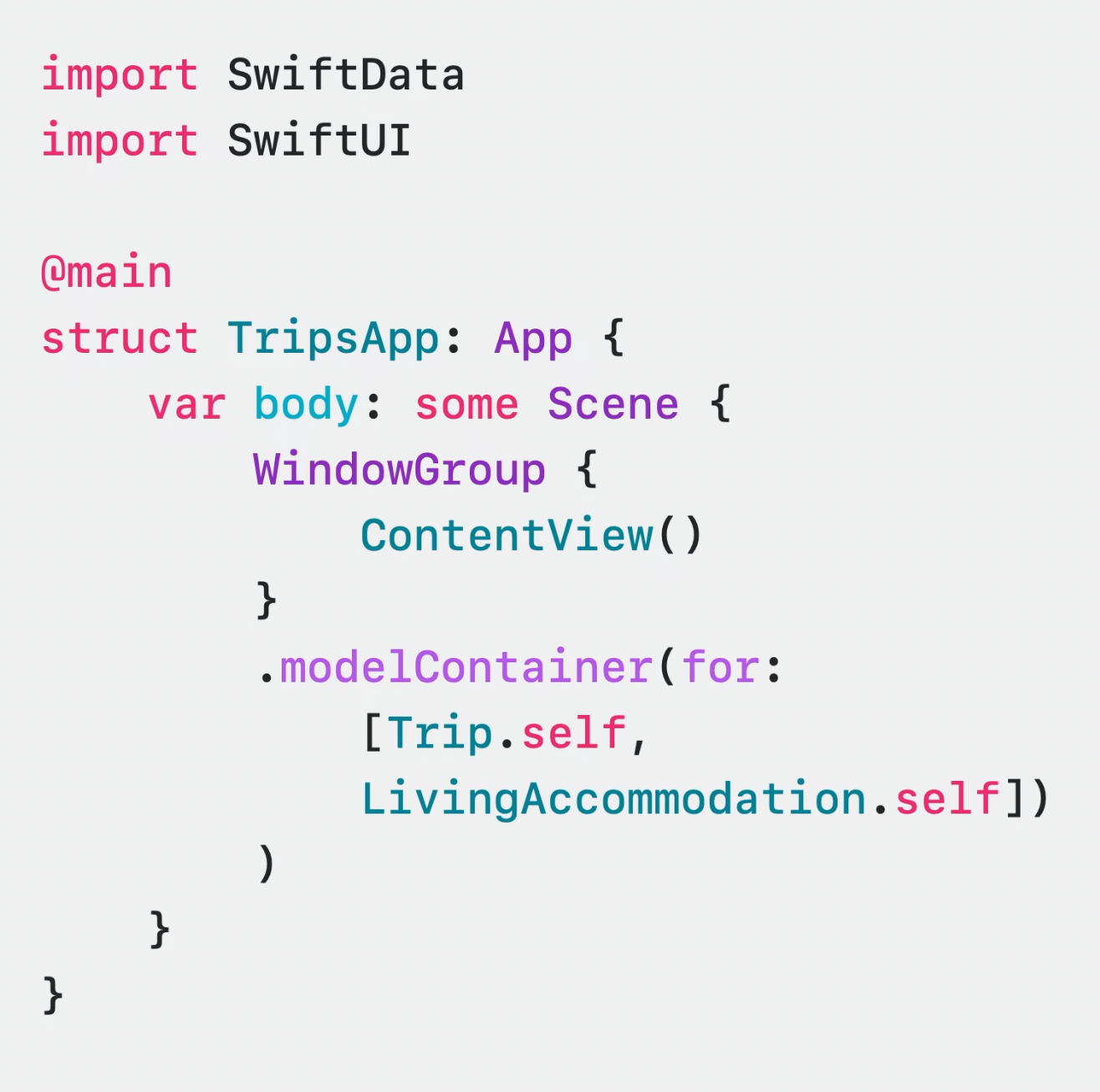
ModelContainer provides you persistent backend. You can prepare your container by default or with many customization options, including CloudKit.


You can also define it directly for use in SwiftUI.
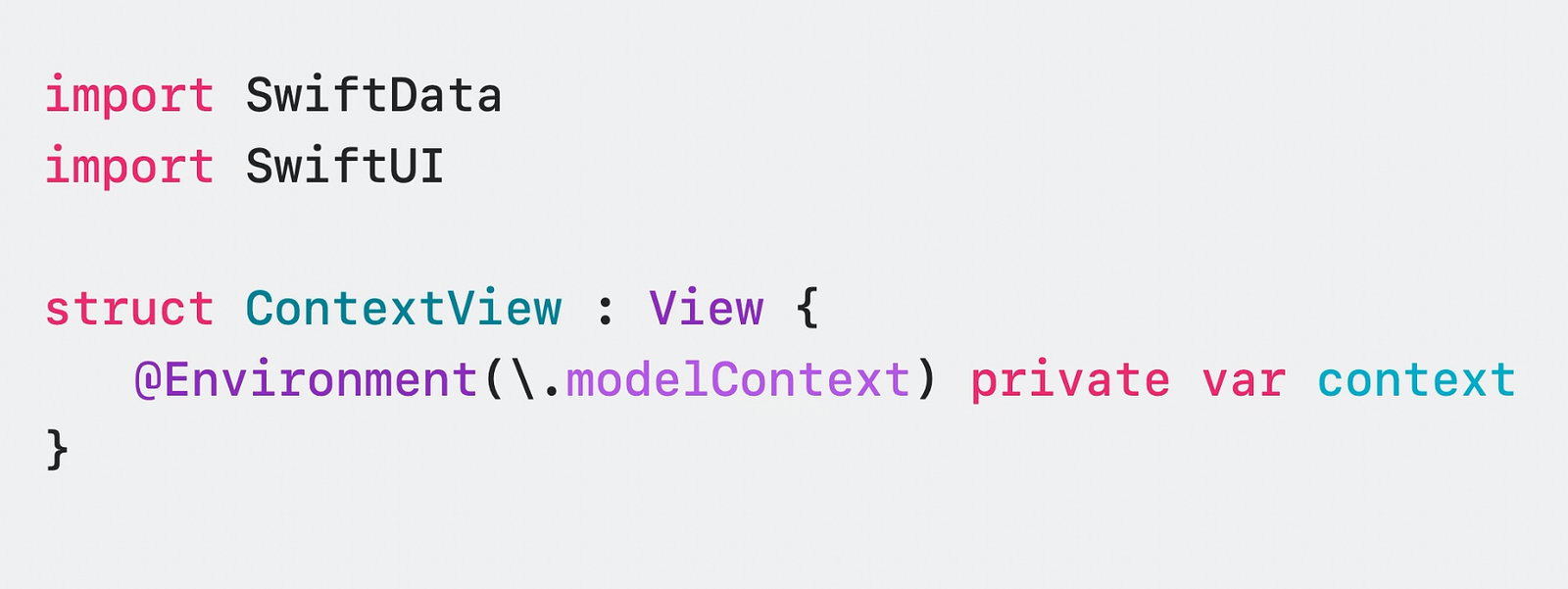
ModelContext, on the other hand, is an interface that tracks all the actions that take place in the models we set up in the context and enables us to take action. In SwiftUI you usually access it as follows.
We are now ready to access our data when we have done all this. Because SwiftData uses macros, it also uses the new #Predicate with iOS 17. This is an incredibly practical layout with macros that replaces the old layout type-controlled NSPredicate.
Meet #Predicate & Fetch some Data
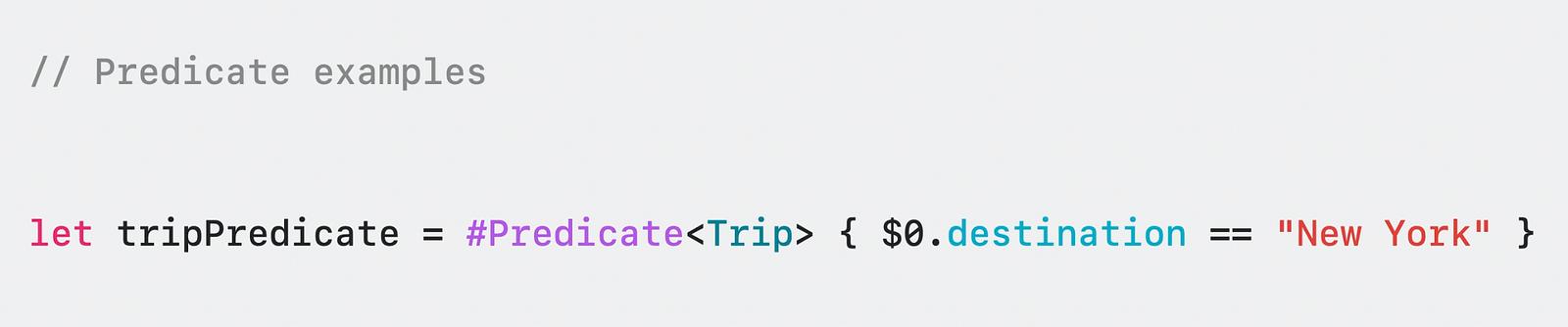
A simple predicate can be created with only one line with these macros. This is pretty awesome because the code we write is pretty minimal.
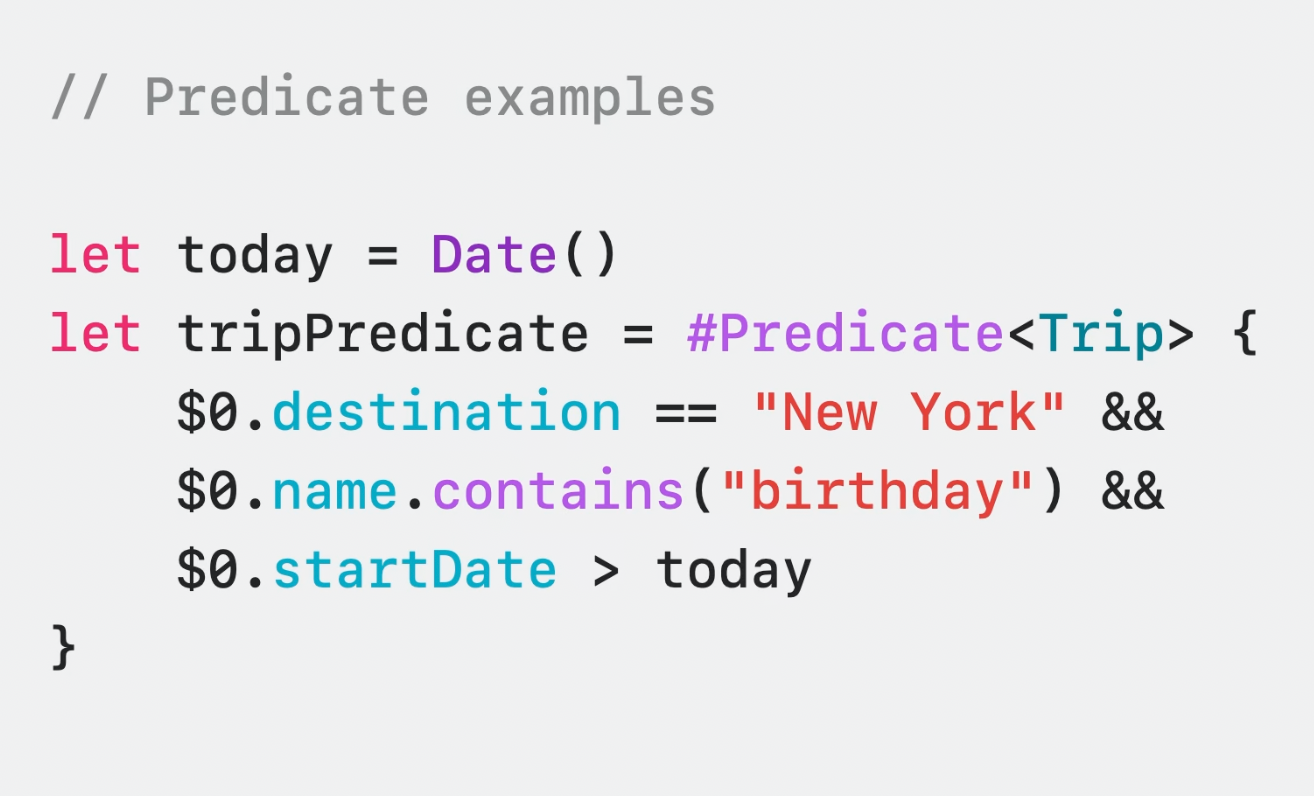
Of course, a predicate must be able to control more than one thing, which can be combined with conditions.
To fetch data using predicates and in a specific order, we can utilize the SortDescriptor property in SwiftData. By mapping the SortDescriptor property to a property of our model, we can incorporate it into the fetch operation. This allows us to fetch the desired data while maintaining the desired order.
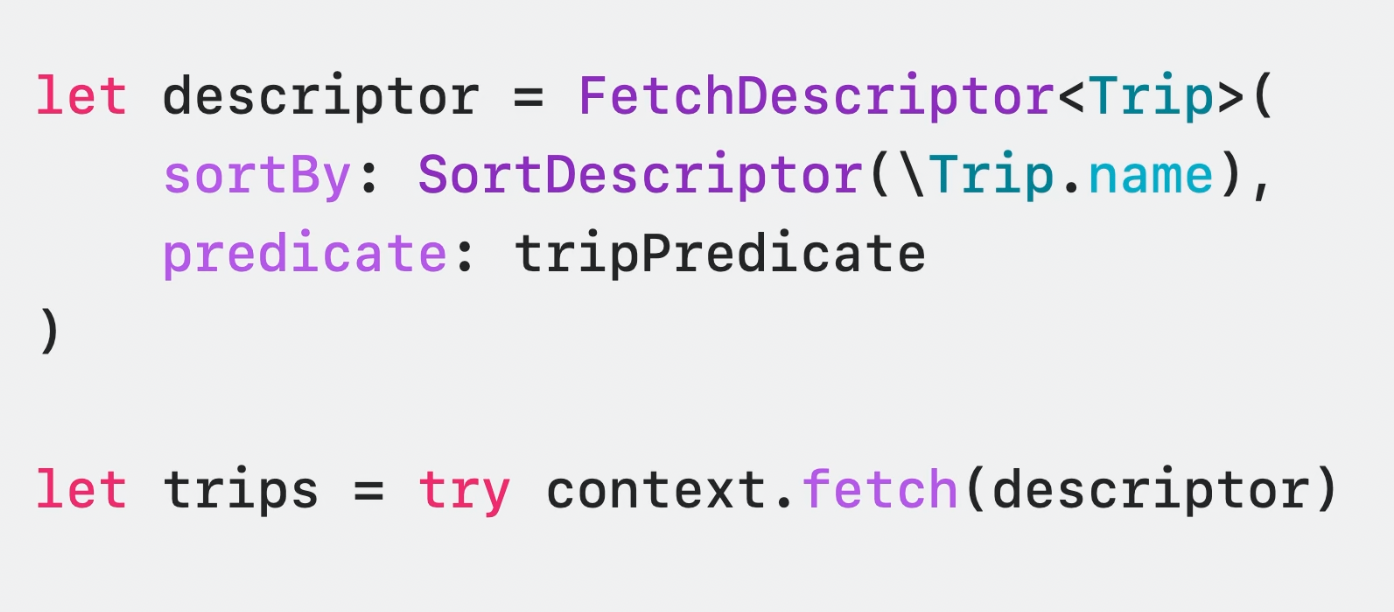
In addition, you can use FetchDescription to limit the number of results, check if the data has been recorded before, and much more.
SwiftUI and SwiftData: Rush Binary
SwiftData was developed with SwiftUI in mind, seamlessly integrating, and enabling powerful operations. The operations that can be performed using the existing context are incredibly straightforward, reminding us that we are genuinely writing Swift code.
After installing ModelContainer and ModelContext, SwiftUI gives you complete control. For example, you can print the data in order in a few seconds using @Query.
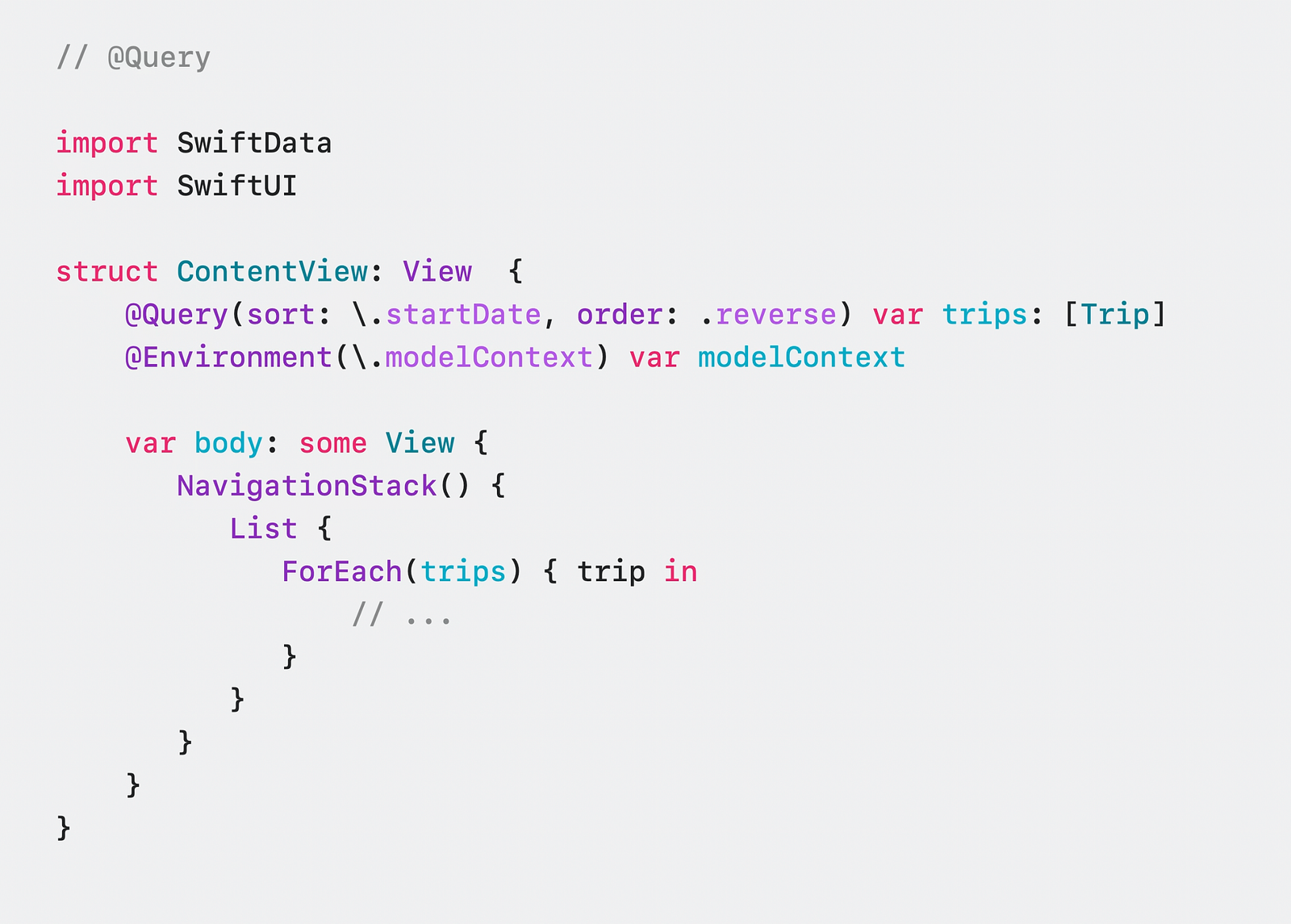
Remember, with Observation, you don’t need wrappers like @Published. SwiftUI does this for you. If you’re interested in how SwiftUI does it, you can check it out here.
Summary
In this article, we met with SwiftData and witnessed what it can do using the combination of SwiftUI & Macro.
Also, you can watch this session here. Enjoyable and Swiftyyy coding 🧡

