

Dynamic Localization in SwiftUI
We must have seen some cool apps that change the app language in real-time. Although Apple does not recommend it we sometimes need real-time localization to provide a better app environment. There are some ways to achieve that in UIKit but this article is only about SwiftUI.
TL;DR
By using Combine’s power, connect a localization manager to an environment object and localize texts via the localization manager.
Why we need real-time localization in SwiftUI?
Simple, we want cool apps! Besides the fancy reasons, asking Hey! Relaunch the app to see the language change please is kind of hard work for the user. We should always focus on the easiest usage of the app.
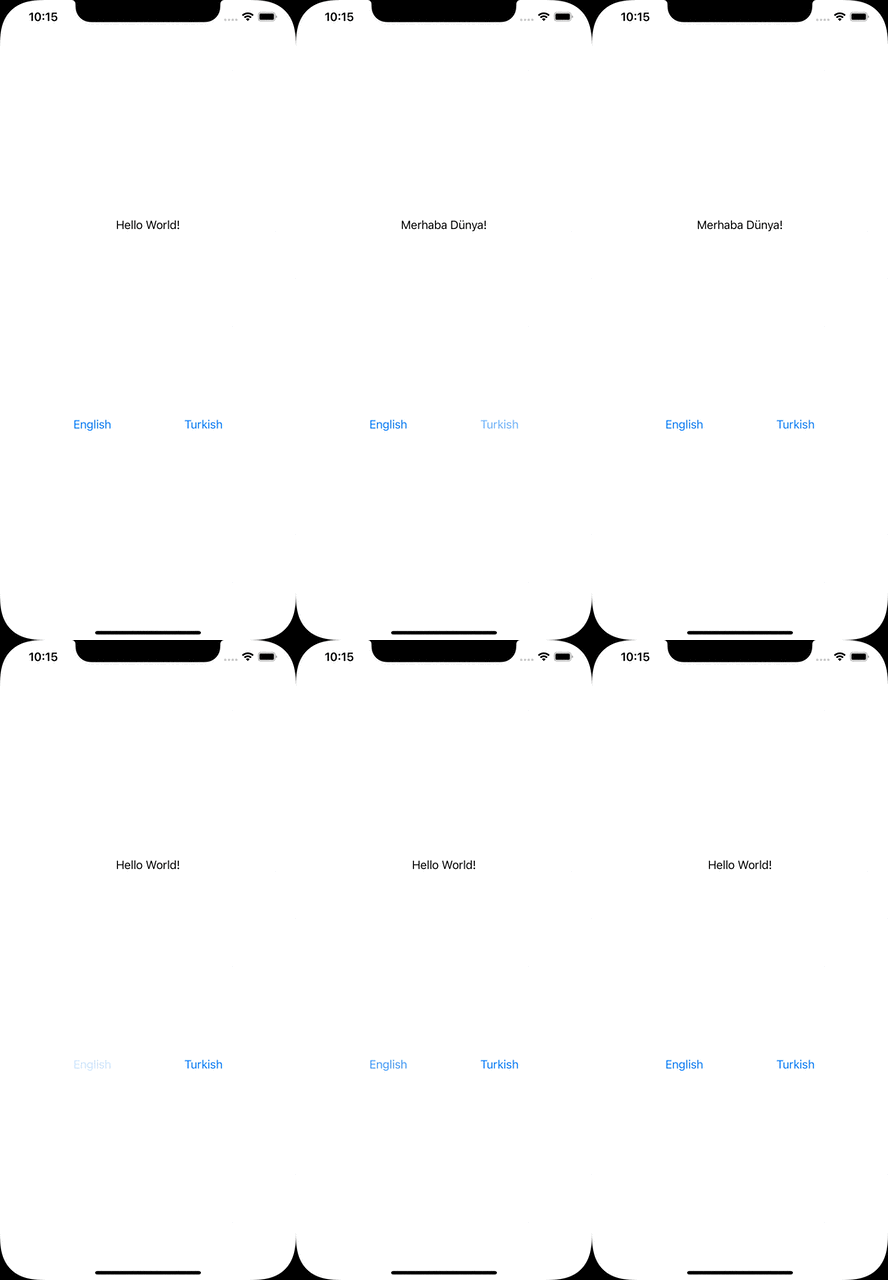
The Result
Localization manager
The magic happens here:
LocalizationManager must implement ObservableObject protocol to be observed from views.
language is the property to be observed hence it starts with Published property wrapper.
P.S. Published is one of the property wrappers in SwiftUI that allows us to trigger a view redraw whenever changes occur. More details
localize function takes the key as a parameter to look for its value. In a different way than the usual localization process, it checks if the project bundle has lprojfile which is related to the language.
P.S. Projects have localizable files as lproj formats. For the English language, it will be en.lproj.


Accessing localization manager
Somehow we need to share and listen to the localization manager all over the app. Therefore, another property wrapper comes to help us, Environment Object.
P.S. Environment Object is an easy way to share data between views in SwiftUI. It also provides to update the view automatically when data changes. More details
[gist id=”86c4e7a316d81afc5094bb7407f2f52c” /]
We have AppEnvironment class which will be used as an environment object. Since it will be observed like localization manager, we are implementing ObservableObject again.
localizationManagerWillChange is a bridge to trigger localization manager’s objectWillChange property.
P.S. objectWillChange is the manuel way to update the data as Published property does it automatically.
View
We have a content view to simulate the process.
[gist id=”e26252614f9ba36700fb0c173e4574d5″ /]
At the 9. line we can see a localization process. We have a Localizable.string file that is localized in English and Turkish languages. Both files have the key as helloWorld.
On the screen, we also have 2 buttons to change the language dynamically. All we need to do is change language property in the language manager to change the language.
Usage of app environment
We initialize the app environment in the main app class.
[gist id=”444b32681e3f2ee006bcee1079c6dab4″ /]
And send to ContentView by using environmentObject.
Alternative scenarios
With the approach in this article, we can fetch/download localizable strings from remote and store in the localization manager. By using the localize function, we can look for the value of the related key.
In conclusion
Realtime localization is possible by using Combine’s powerful protocols and property wrappers. We need a localization manager class that will be observed. It must be connected to the environment object. These 2 components communicate with each other and adapt to the new language automatically.
Where to go from here
There are similar approaches to solve the same problem. I’ve listed two of them below:
Dynamic localization in SwiftUI with locale → https://kowei-chen.medium.com/swiftui-dynamic-localization-tricks-87c37a6db3e7
Dynamic localization in UIKit with lproj path → https://codewithbharathi.medium.com/localisation-in-ios-e88ef27b6faa

